We use cookies and analytics tools to enhance your browsing experience and help us understand how our site is used. By clicking “Accept,” you agree to the use of both cookies and analytics tracking. You can withdraw your consent at any time by clearing your cookies for this site.
3D scan to cloud platform
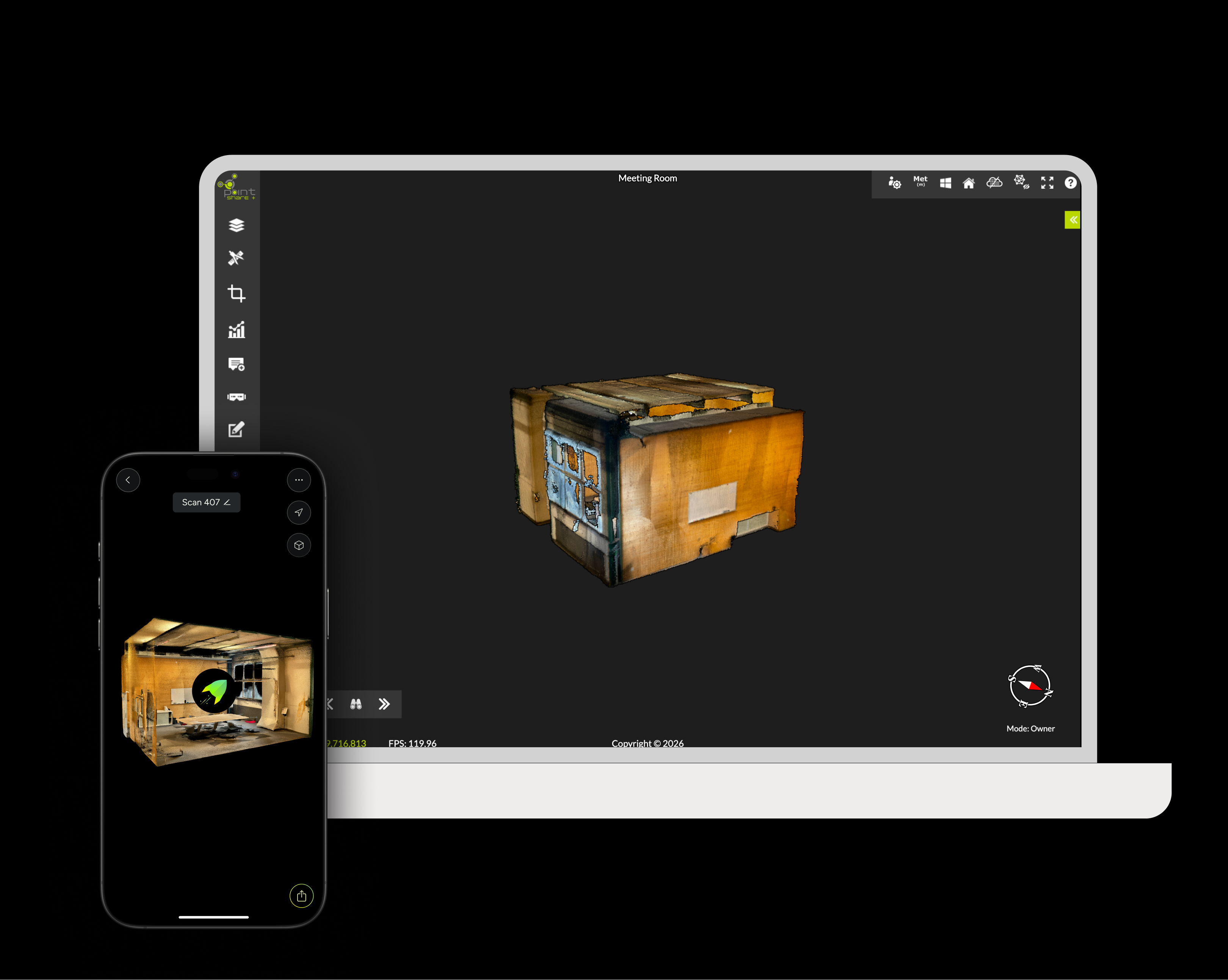
MAVO 3D & Point Share Plus
Scan | upload | store & share
Storing your 3D scans in the cloud makes it easy to share and access your projects from anywhere.
Point Share Plus is built for surveyors, engineers and construction teams. Upload point cloud datasets, collaborate in real-time, and share unlimited data directly in the browser.
At a glance
Key Capabilities
Share & review together
Share point clouds with a simple browser link
Collaborate with clients and teams without specialist software
Centralise project data to reduce rework and repeat site visits
Enterprise ready options
Supported import formats
Stream large point clouds in the browser and scale storage as your projects grow (upgrade anytime).
Point Clouds
E57* | LAS* | LAZ *E57 and LAS are supported export formats by MAVO 3D.
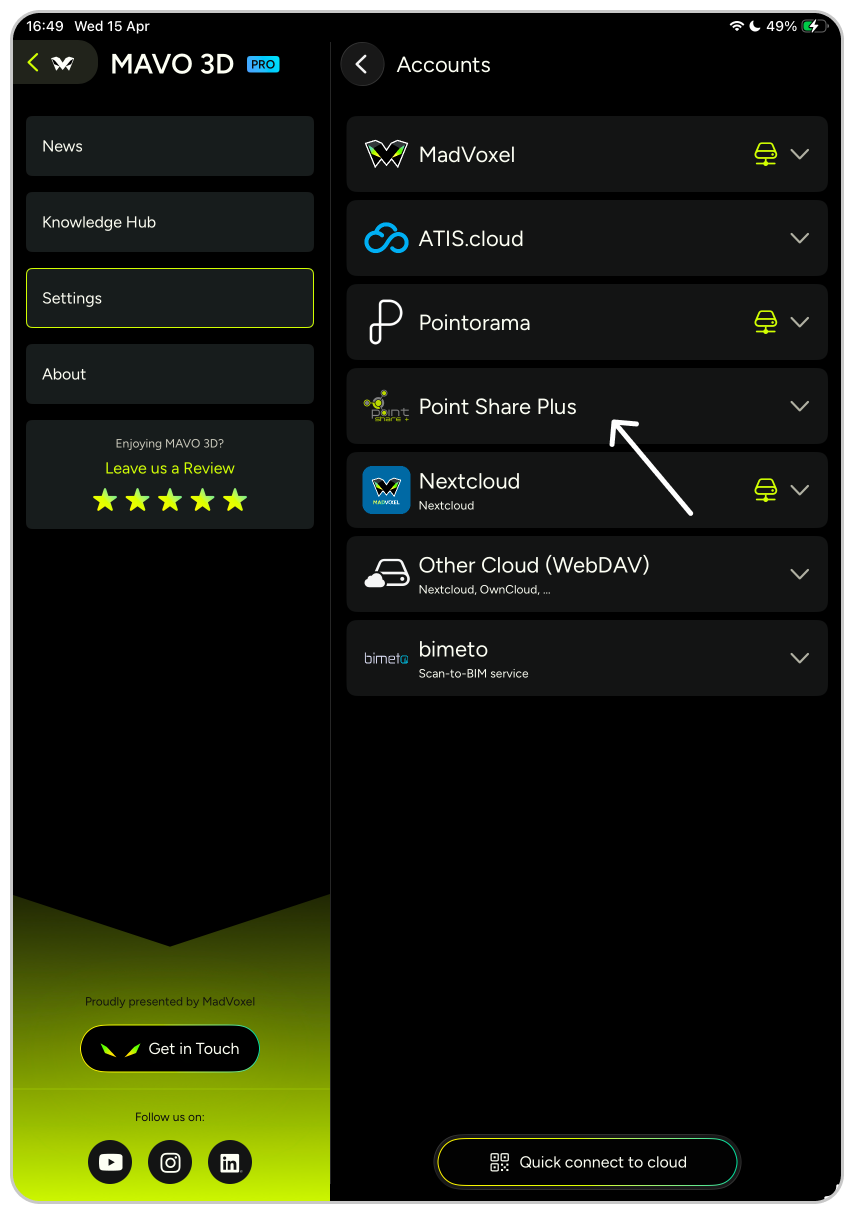
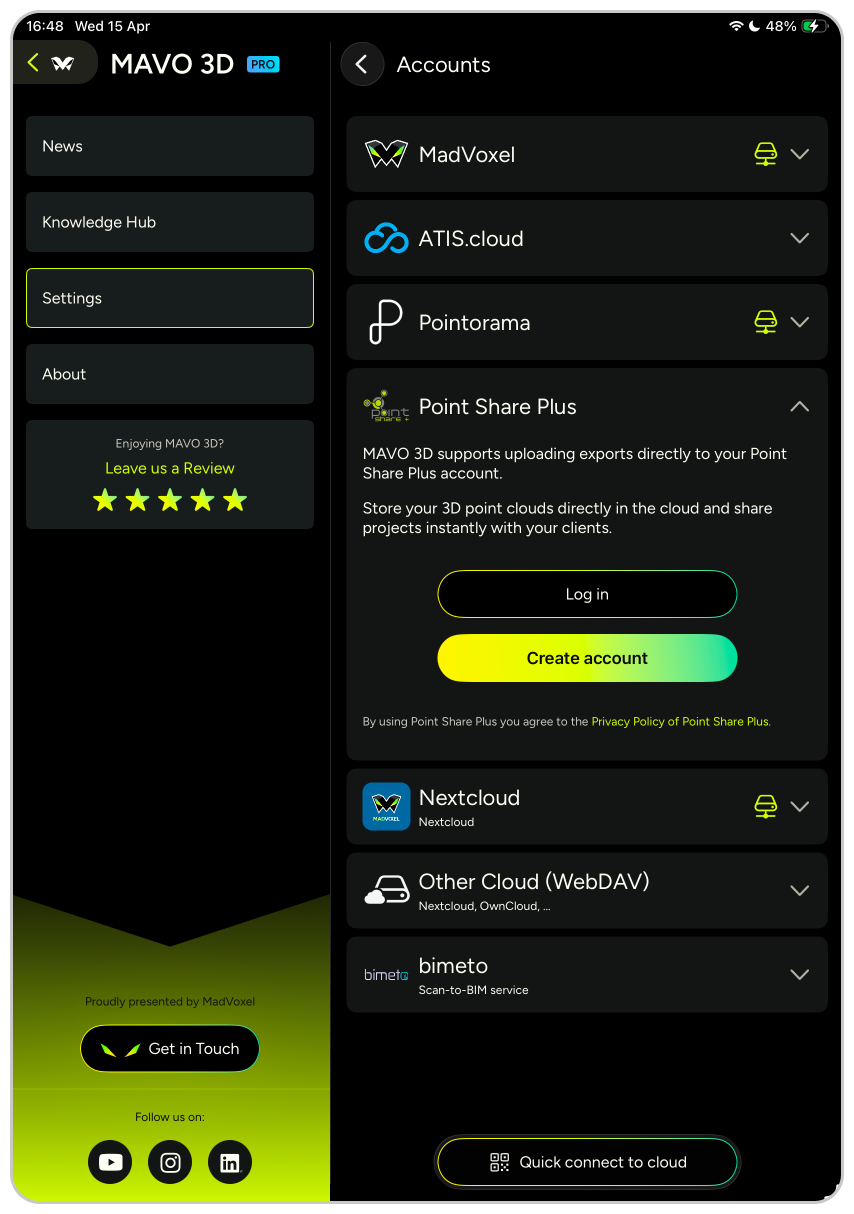
Connect MAVO 3D to your Point Share Plus account.
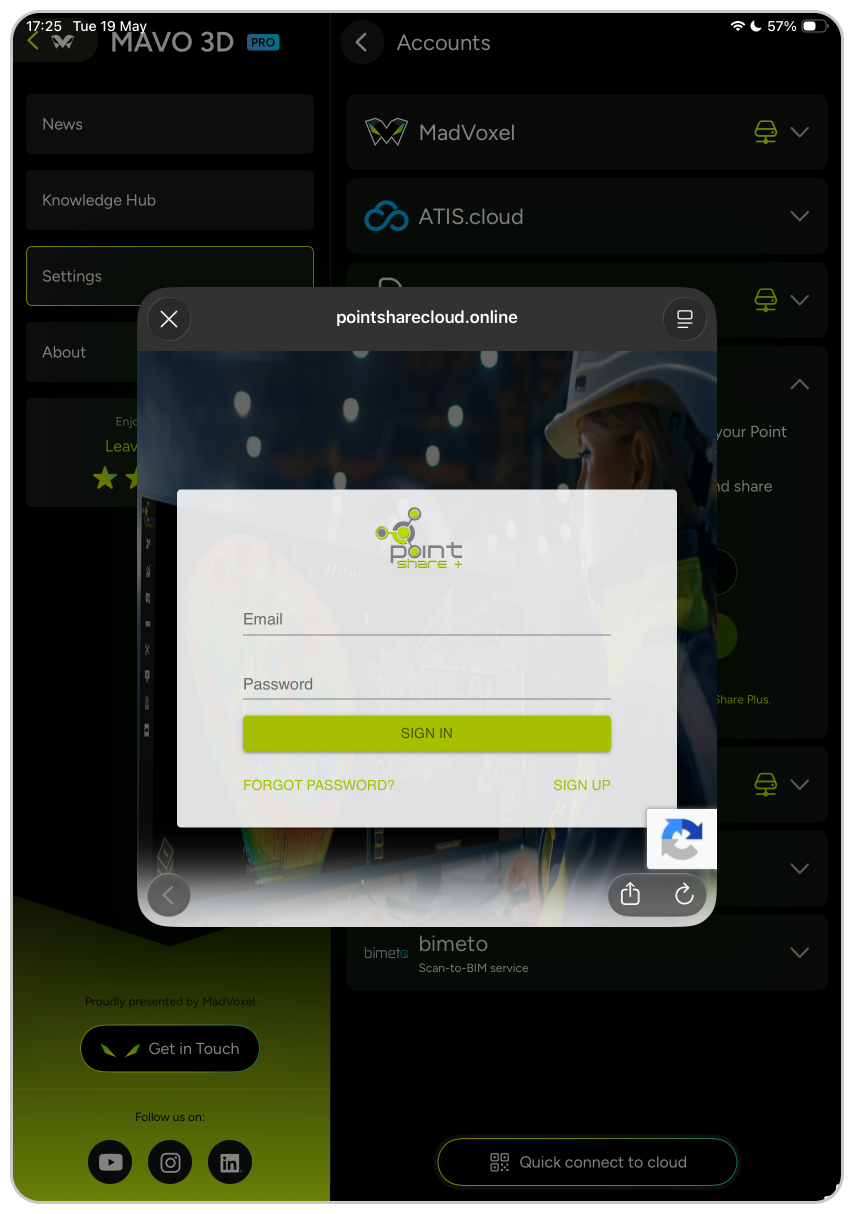
To do so, open MAVO 3D settings, go to “Accounts and Clouds”, log in to Point Share Plus with your email and follow the instructions.
New to Point Share Plus?
Unlock the exclusive MAVO 3D plan (including a free 14-day trial) by registering to Point Share Plus, starting in the MAVO 3D app.
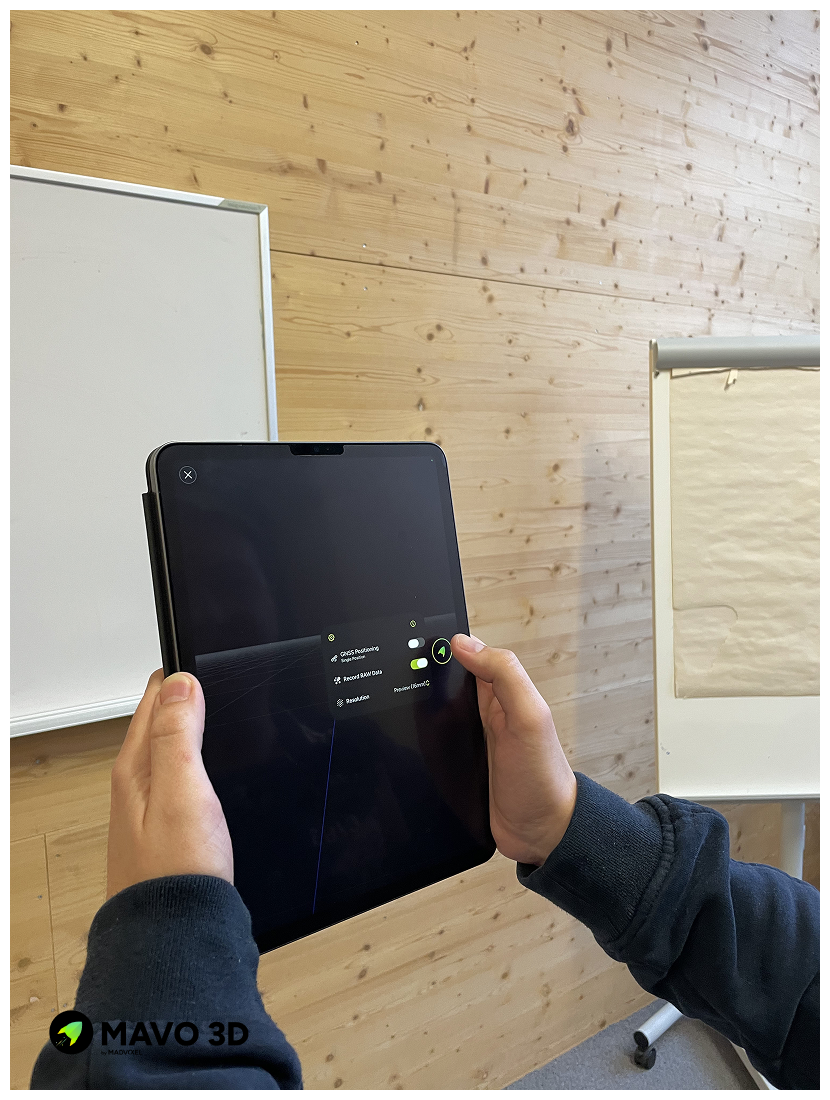
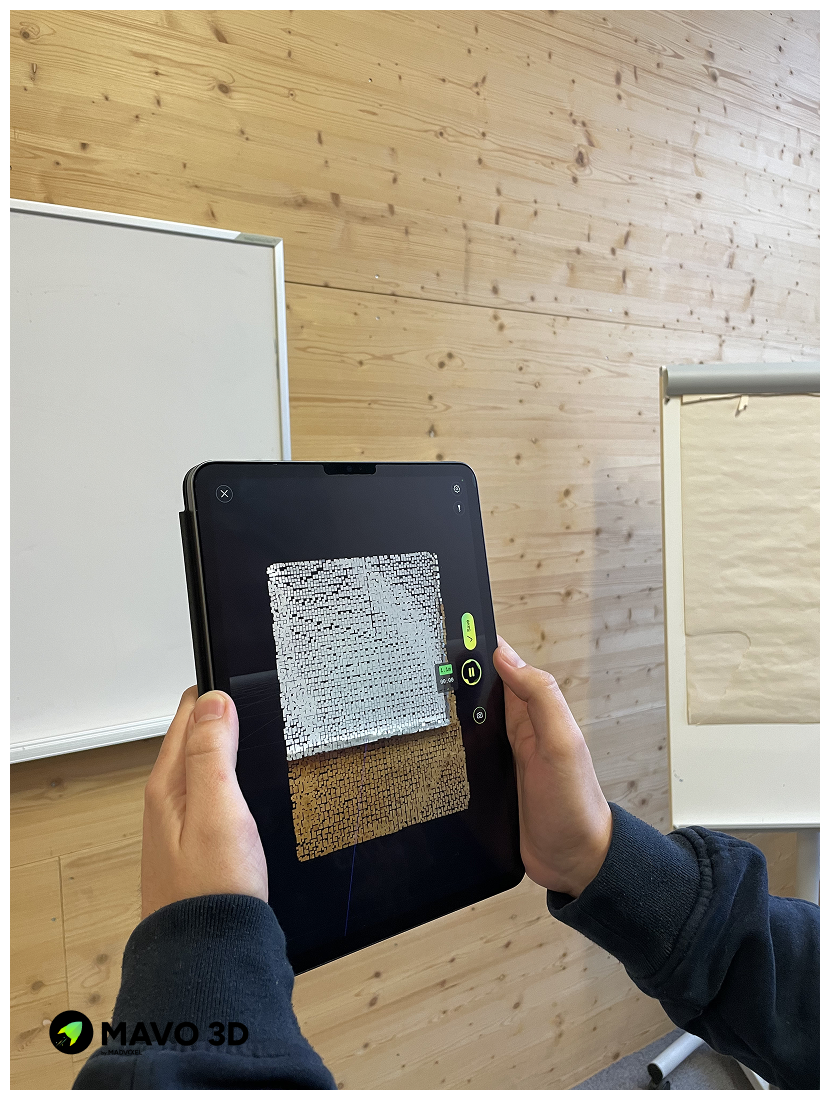
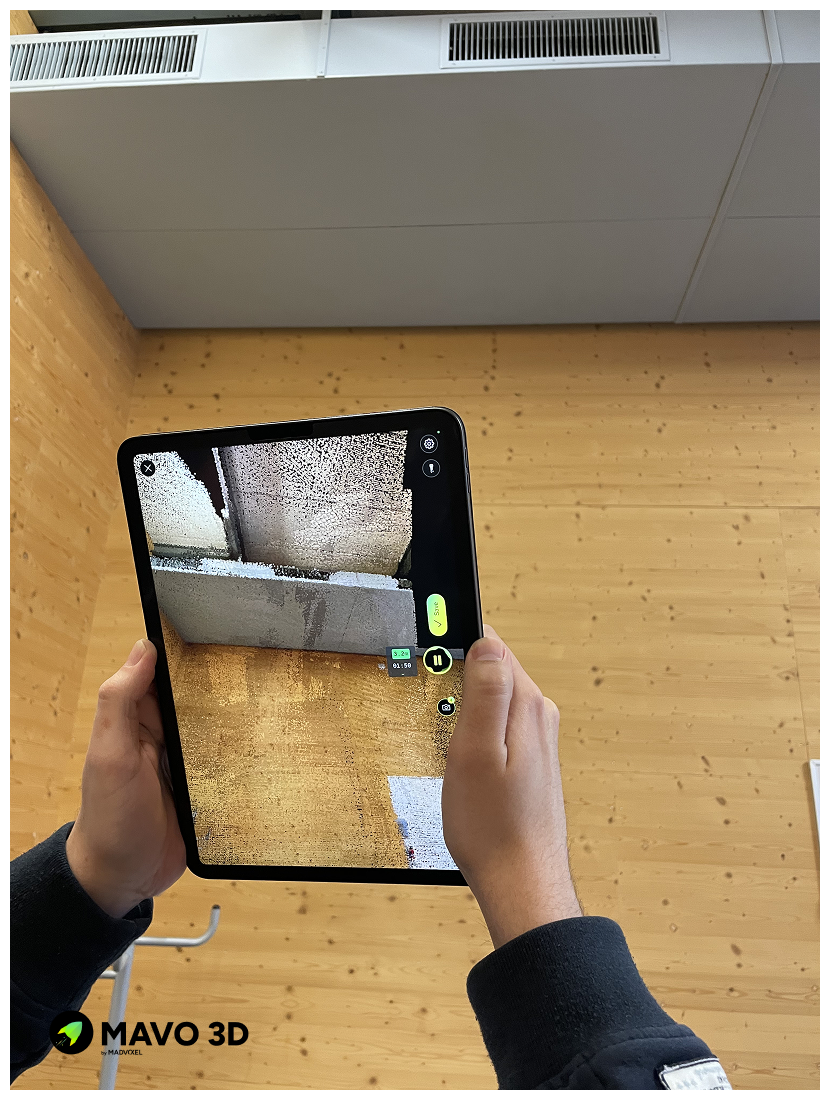
1. Capture the location with MAVO 3D
2. Connect to Point Share Plus
Upload and preparations
Export your scan as E57 or LAS file and select Point Share Plus as the export location. For an even quicker way, select Point Share Plus directly from the quick export section.
Wait for the upload and processing to complete. MAVO 3D will handle the upload in the background. The scan will automatically appear in your project dashboard.
Continue in Point Share Plus
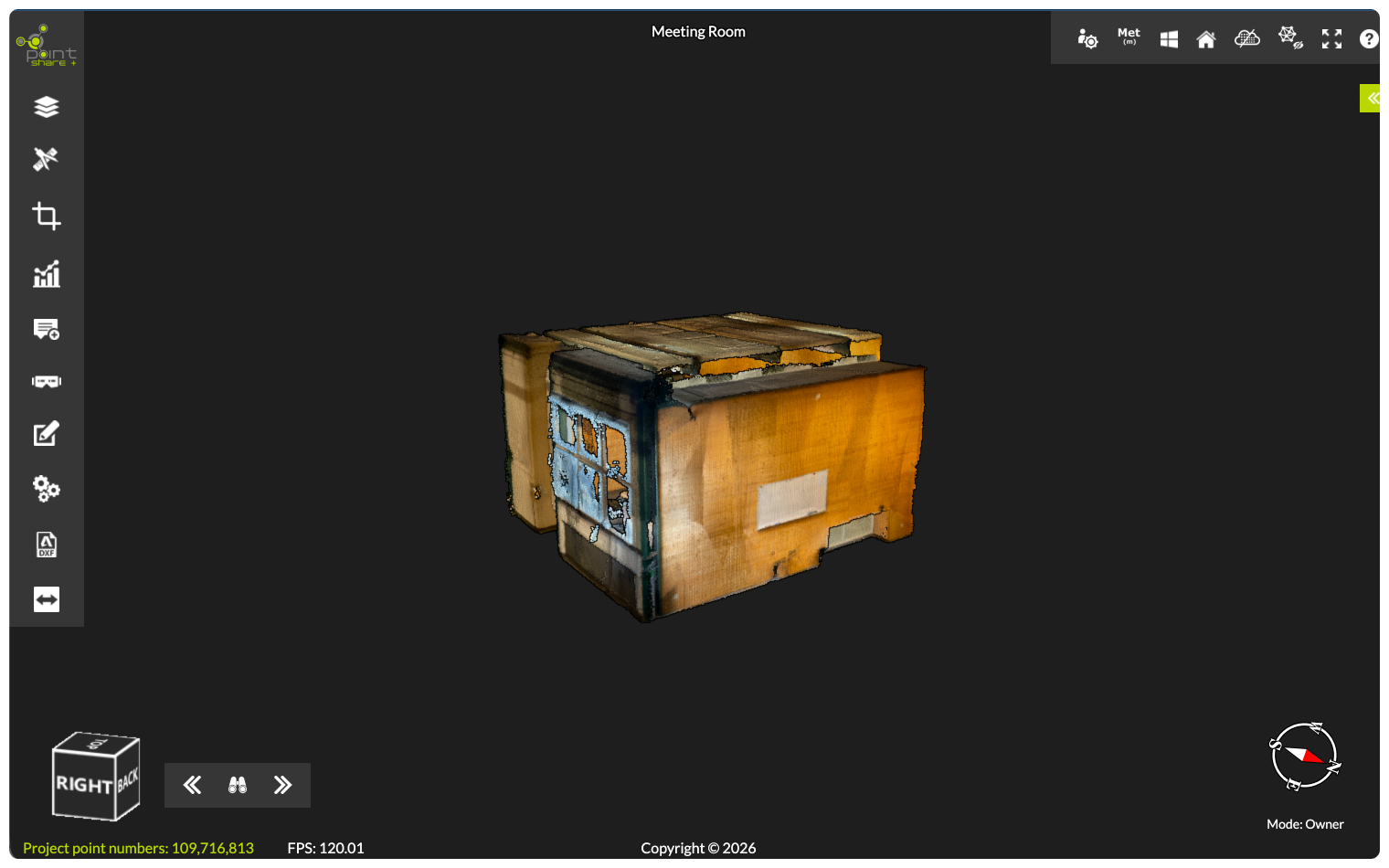
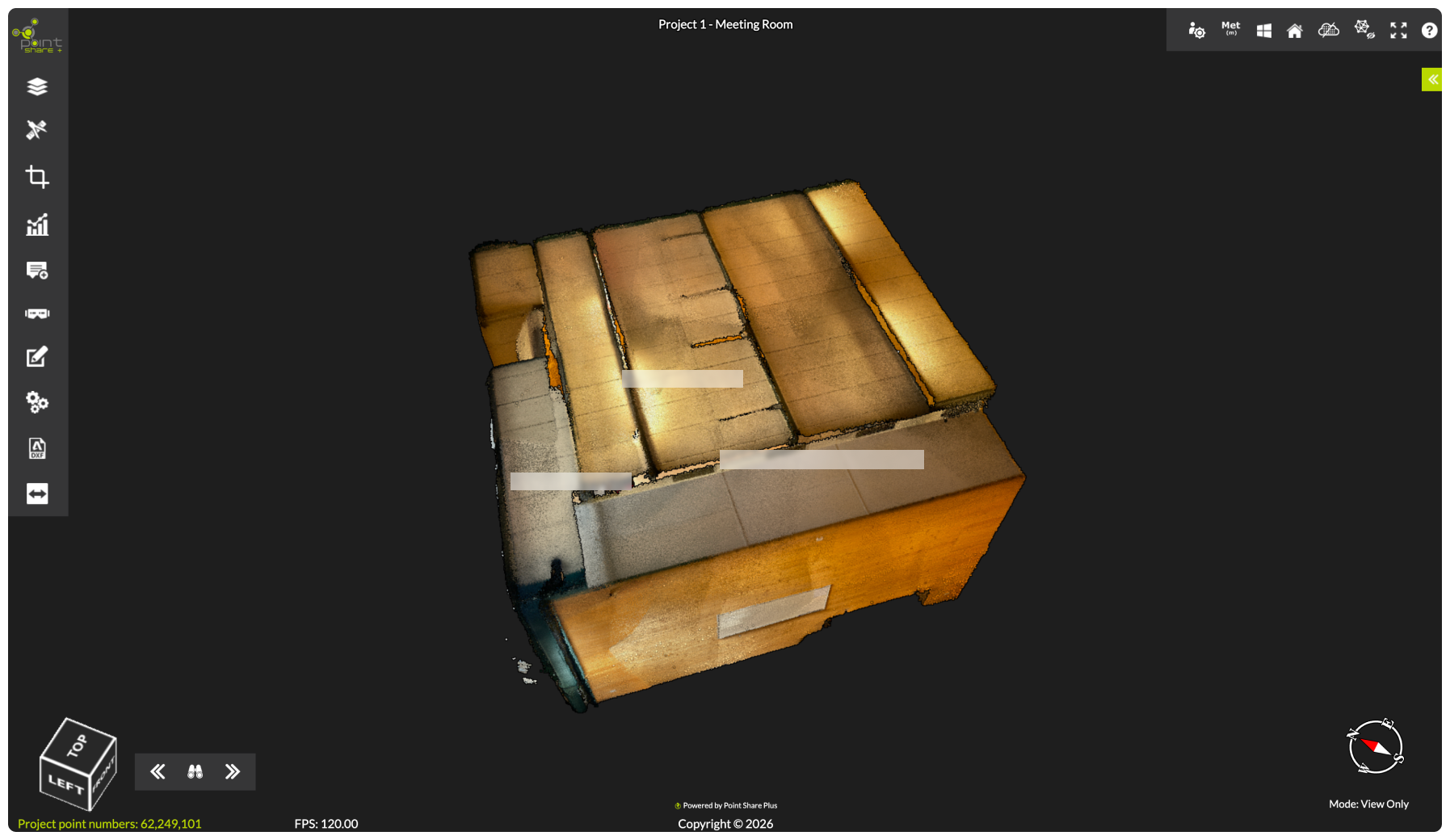
Point Share Plus is built to give you, your team, and clients efficient access to the project data, complete with measurement and annotation tools.
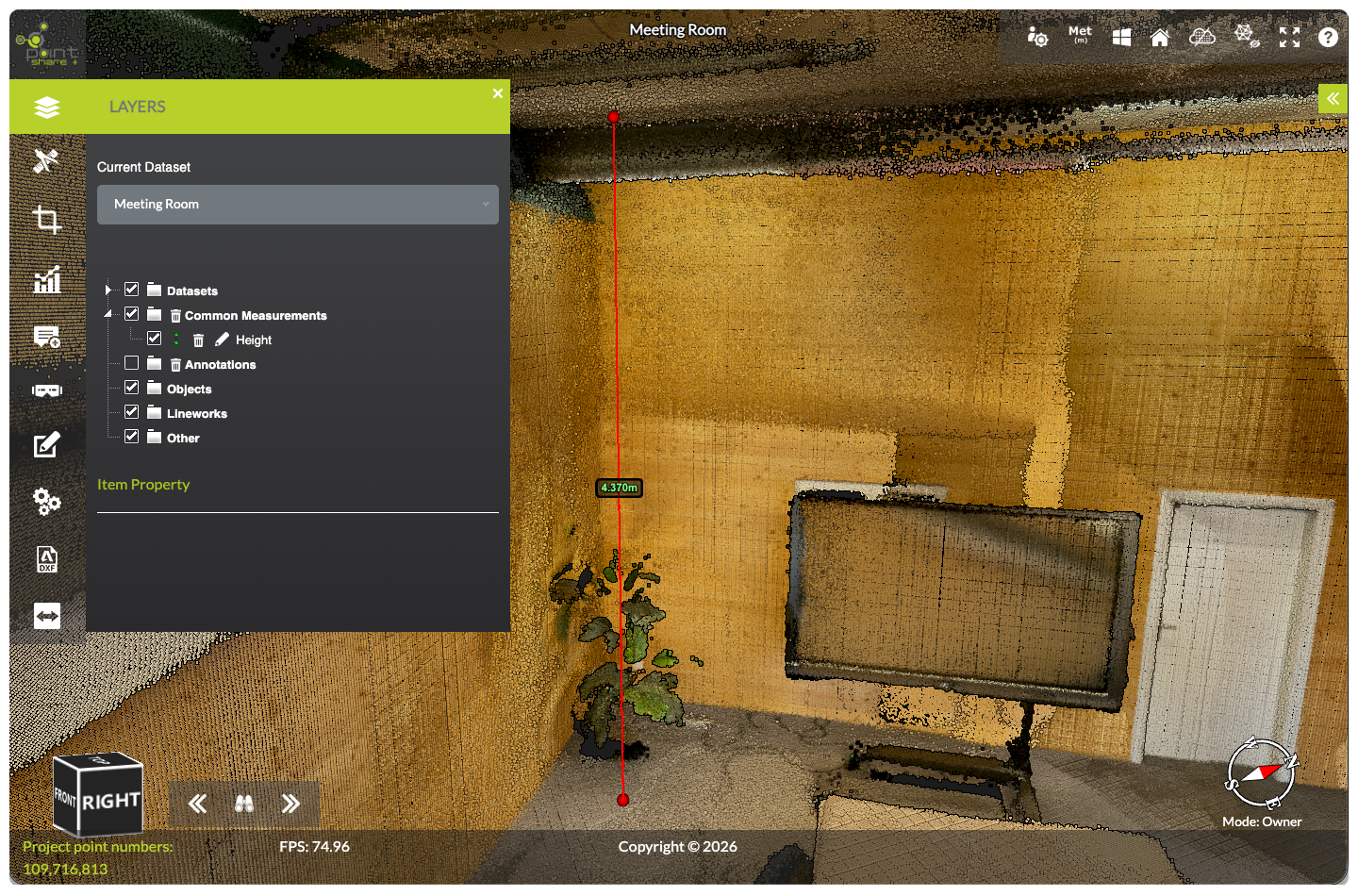
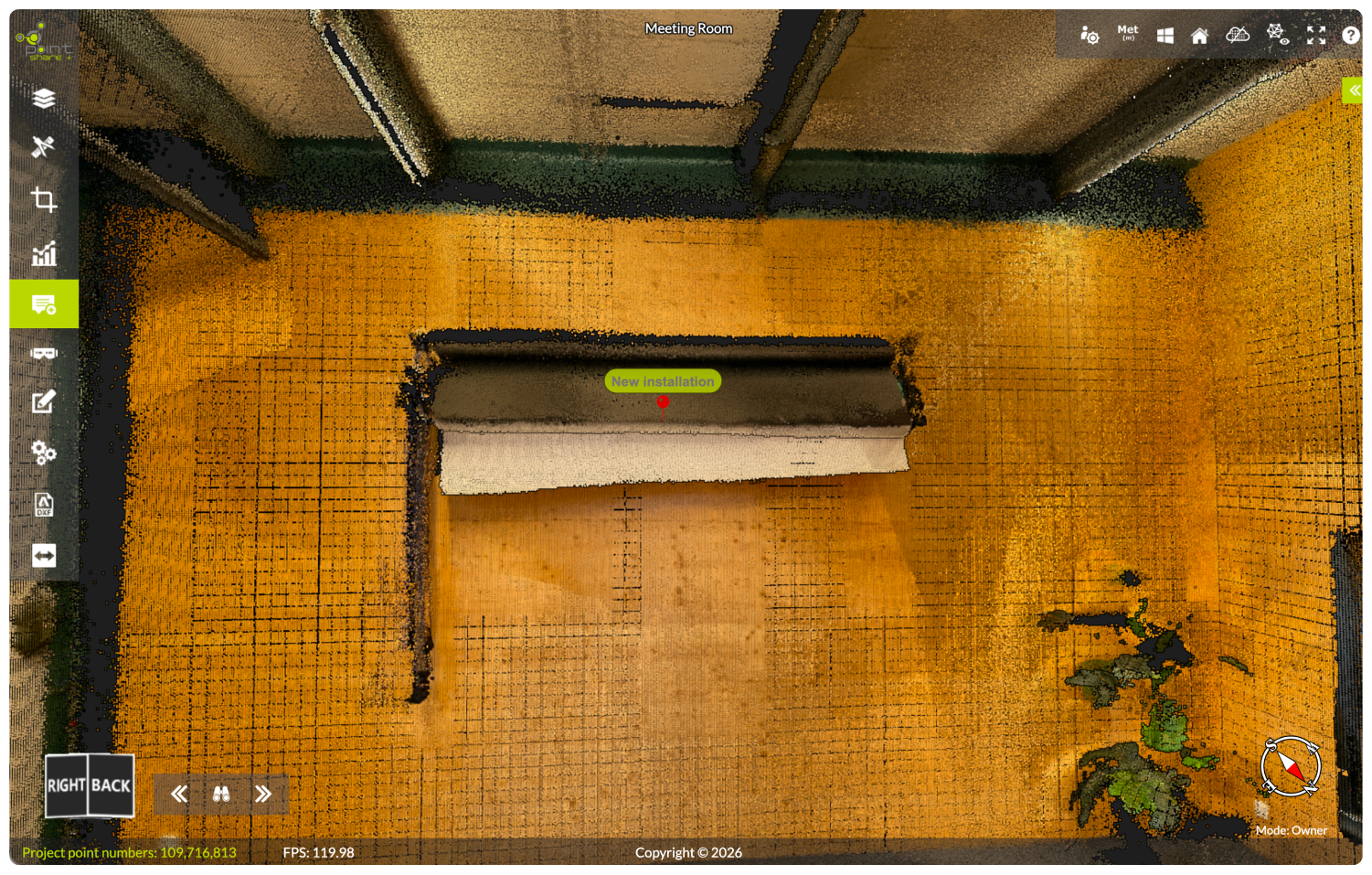
Take precise distance, area, and volume measurements without leaving the viewer, and pin annotations to flag installations, issues, or points of interest that everyone on the share link can see instantly.
Create measurements and add annotations
5. Share and review point clouds
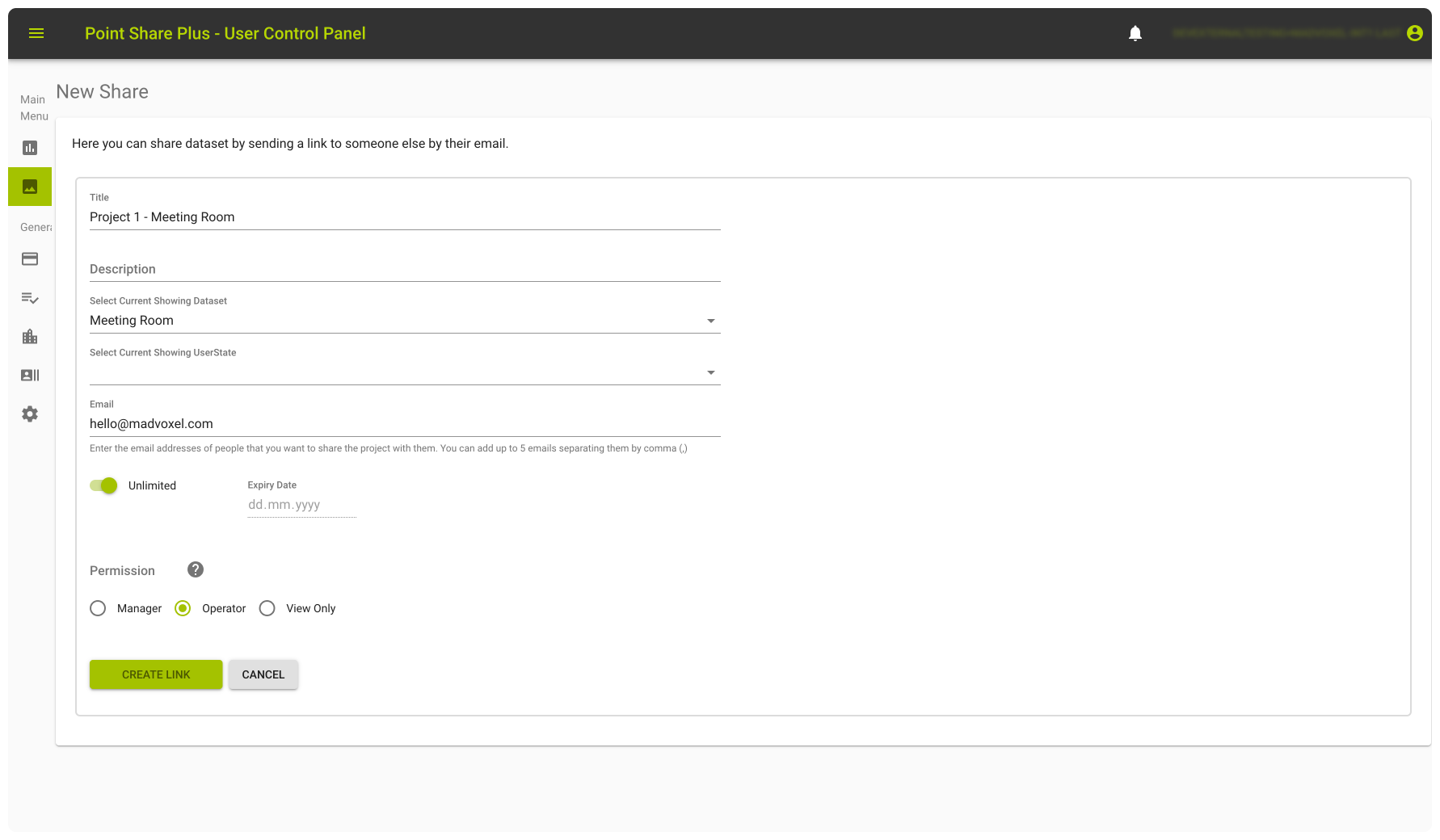
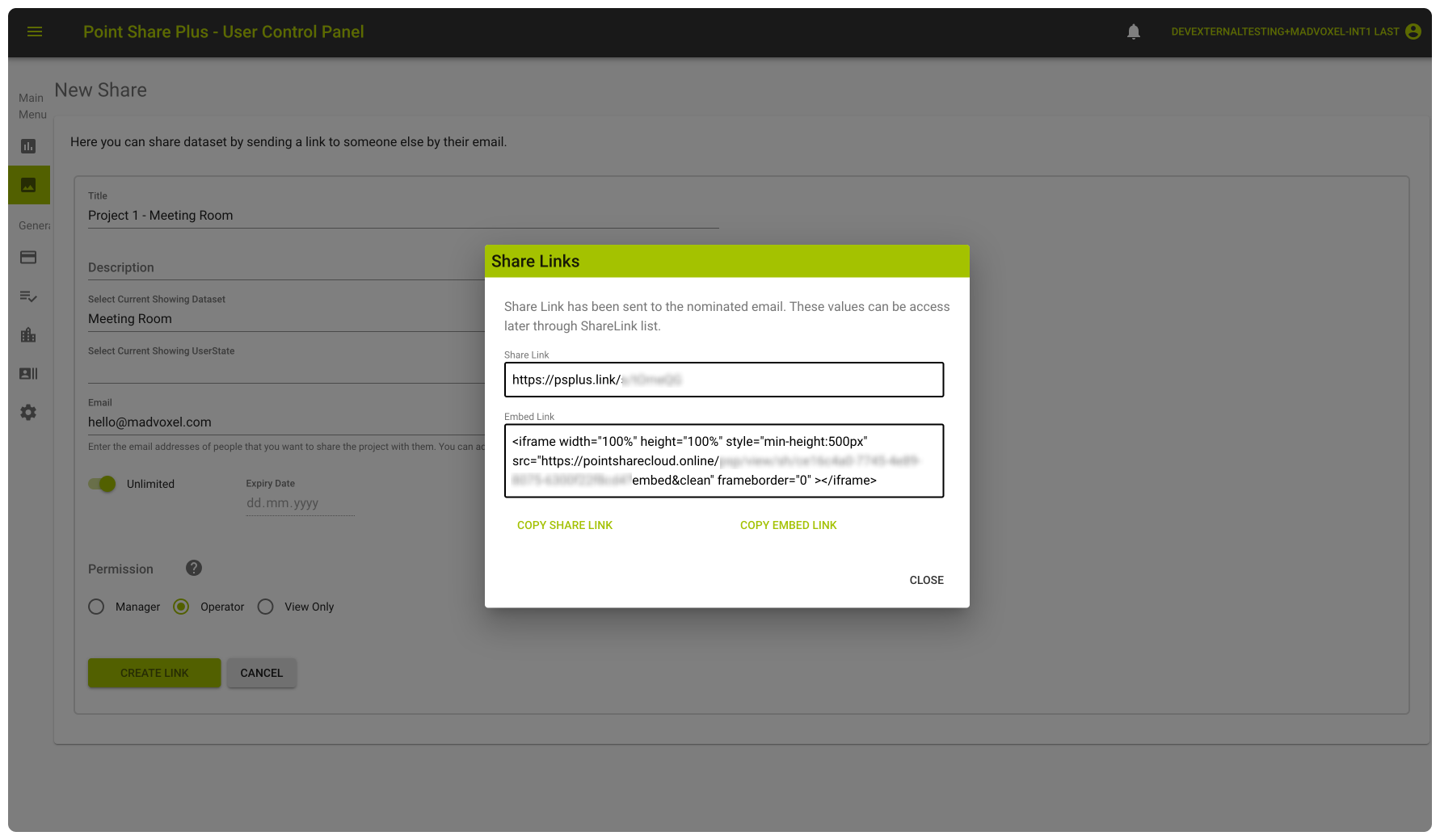
When you’re ready, create a share link.
Set an expiration date for time-sensitive projects, define access roles, such as Manager, Operator, or View Only, and share directly to a recipient’s email. Copy the iframe embed code, to embed the viewer directly on your own site or client portal.
Start 3D scanning with MAVO 3D
Download MAVO 3D on the App Store and capture your first project today.
Testing the Point Share Plus integration requires exporting your 3D scan project in E57 or LAS. These formats are available in our Professional plan. Start your 7-day free trial to get access to these export options.
Try Point Share Plus
Create a Point Share Plus account (or sign in), then connect from inside MAVO 3D to access the exclusive MAVO 3D plan and start your 14-day trial so you can upload a scan and share it from the browser.
About Point Share Plus
Point Share Plus (PSP) is a browser-based platform to store, view, and share point cloud data, built for surveyors, engineers, and construction teams.
Upload LiDAR and photogrammetry point cloud datasets, collaborate in real time, and share your projects with simple links. All in your browser, with no software required.
Founded in 2018 and based in Western Australia, PSP is built by a team of geospatial professionals with deep experience in surveying and large-scale data capture and processing.
FAQ
Who is Point Share Plus?
Point Share Plus (PSP) is a browser-based platform to store, view, and share point cloud data, built for surveyors, engineers, and construction teams.
How do I access this exclusive Point Share Plus trial through MAVO 3D?
The exclusive Point Share Plus plan for MAVO 3D users, including a 14-day trial, is only available when signing up to Point Share Plus from inside the MAVO 3D app.
Please note this trial applies to Point Share Plus only. It does not include a MAVO 3D trial. To try MAVO 3D, a separate 7-day free trial on the Professional Plan is available directly in the app.
Can I use my existing Point Share Plus account?
Yes. You can connect using an existing Point Share Plus account, or create a new account during setup. To link your existing account, please reach out to Point Share Plus support so they can enable this feature on your account.
Can I share uploaded projects with collaborators?
Yes. Point Share Plus is built for sharing and collaboration, so you can share projects with teammates, clients, or stakeholders through the browser, with access controlled by permissions (depending on your plan and role settings).
What file formats can I upload from MAVO 3D to Point Share Plus?
Point Share Plus supports common point cloud formats including E57 and LAS, which can be exported directly from MAVO 3D. Point Share Plus additional supports mesh and 3D model formats as listed on this page.
Should I keep a local backup of my scans?
If you want to reprocess or upsample your scan later, save a MAVOB (MAVO Backup) file locally or to some other file storage online. This preserves all RAW data for future use.
Can I still store scans locally?
Yes. Local storage remains fully available. Cloud upload is always optional.
Which iPhone and iPad models are compatible with MAVO 3D?
MAVO 3D requires a LiDAR-equipped device: iPhone: 12/13/14/15/16/17/18 Pro & Pro Max
iPad Pro: Starting with the 2020 model & all M-series iPad Pros (M1, M2, M4, M5).
These models include Apple’s LiDAR sensor, a light-based depth measuring sensor that MAVO 3D uses to capture and process high-accuracy 3D point clouds.