Fast documentation
Ortho Image Export
Export your scan project as ortho image for quick documentation and client handouts.
How to export orthos:
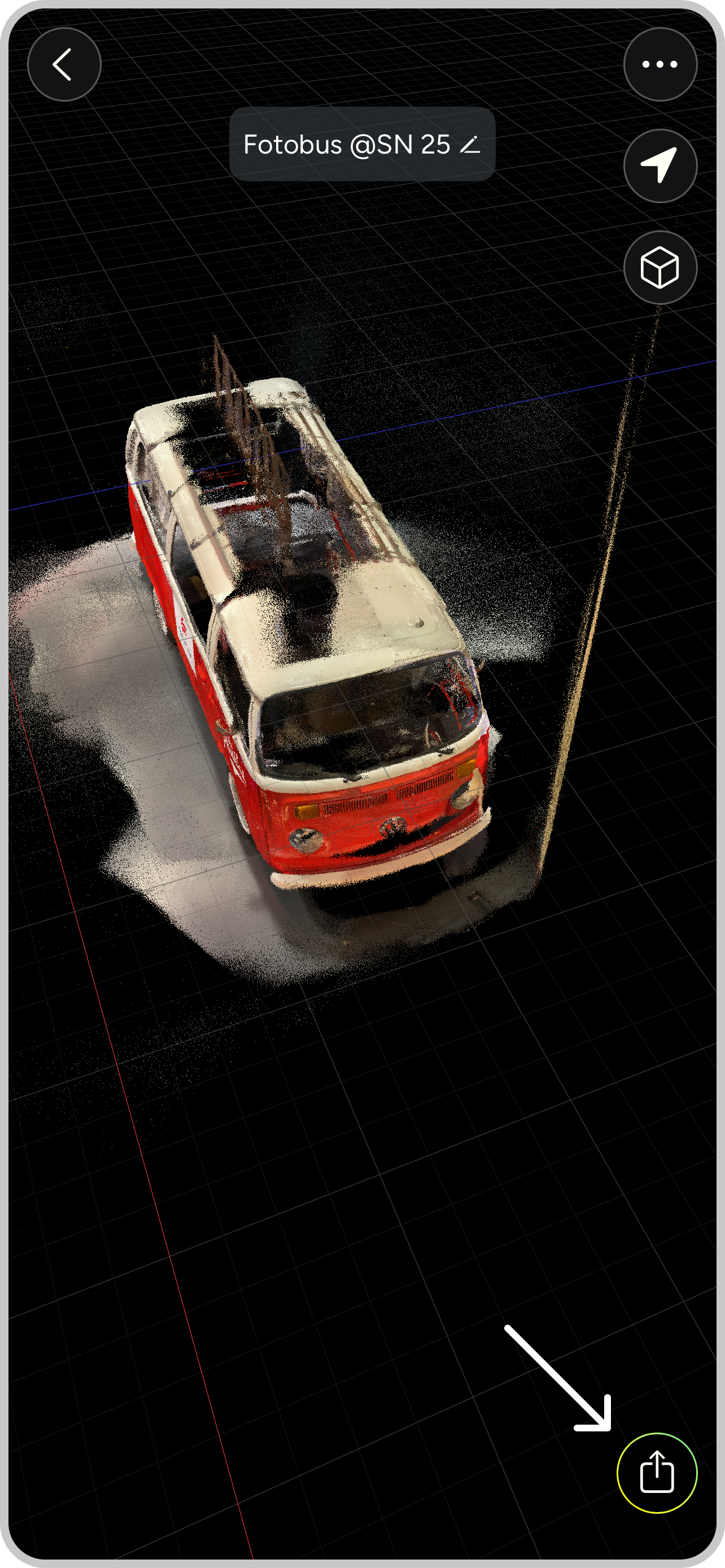
1 Open export options in your scan
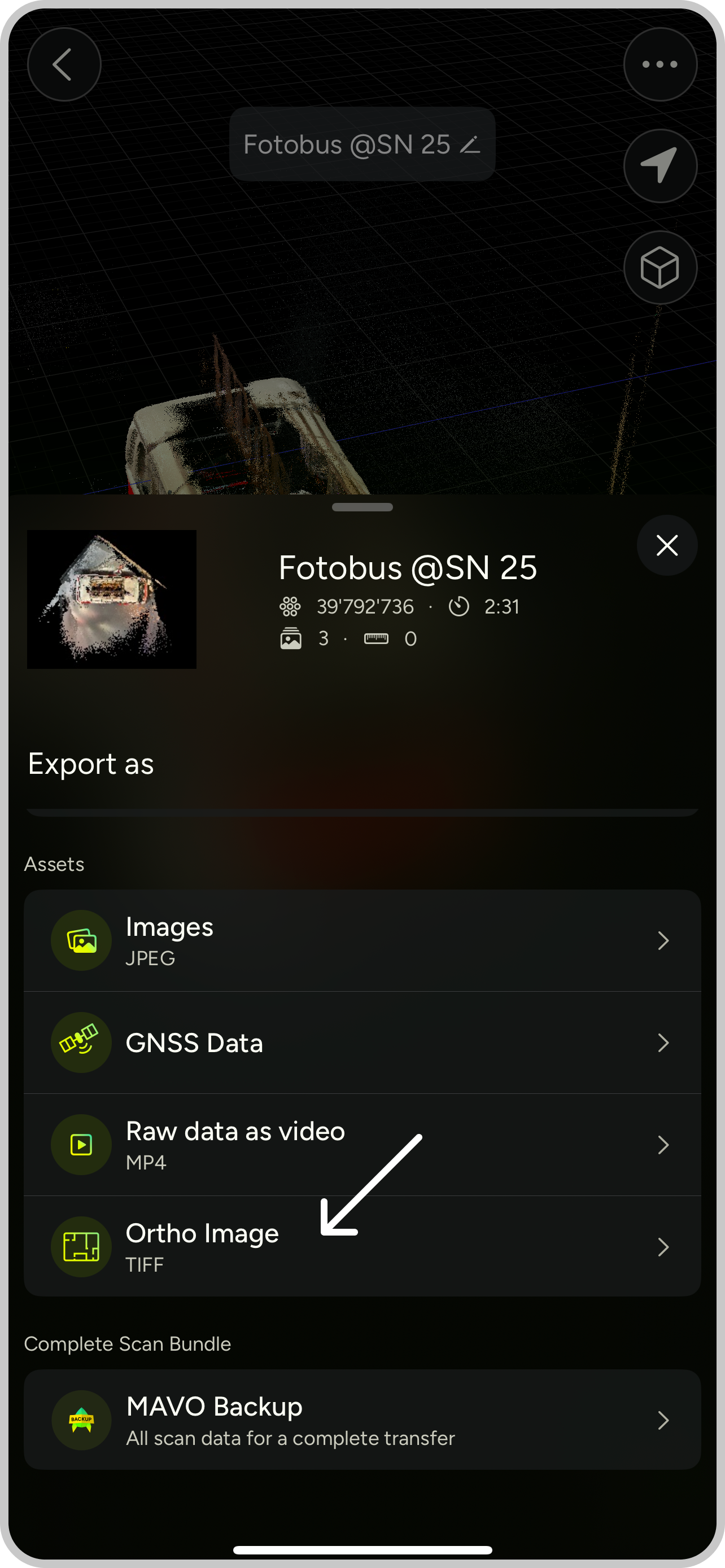
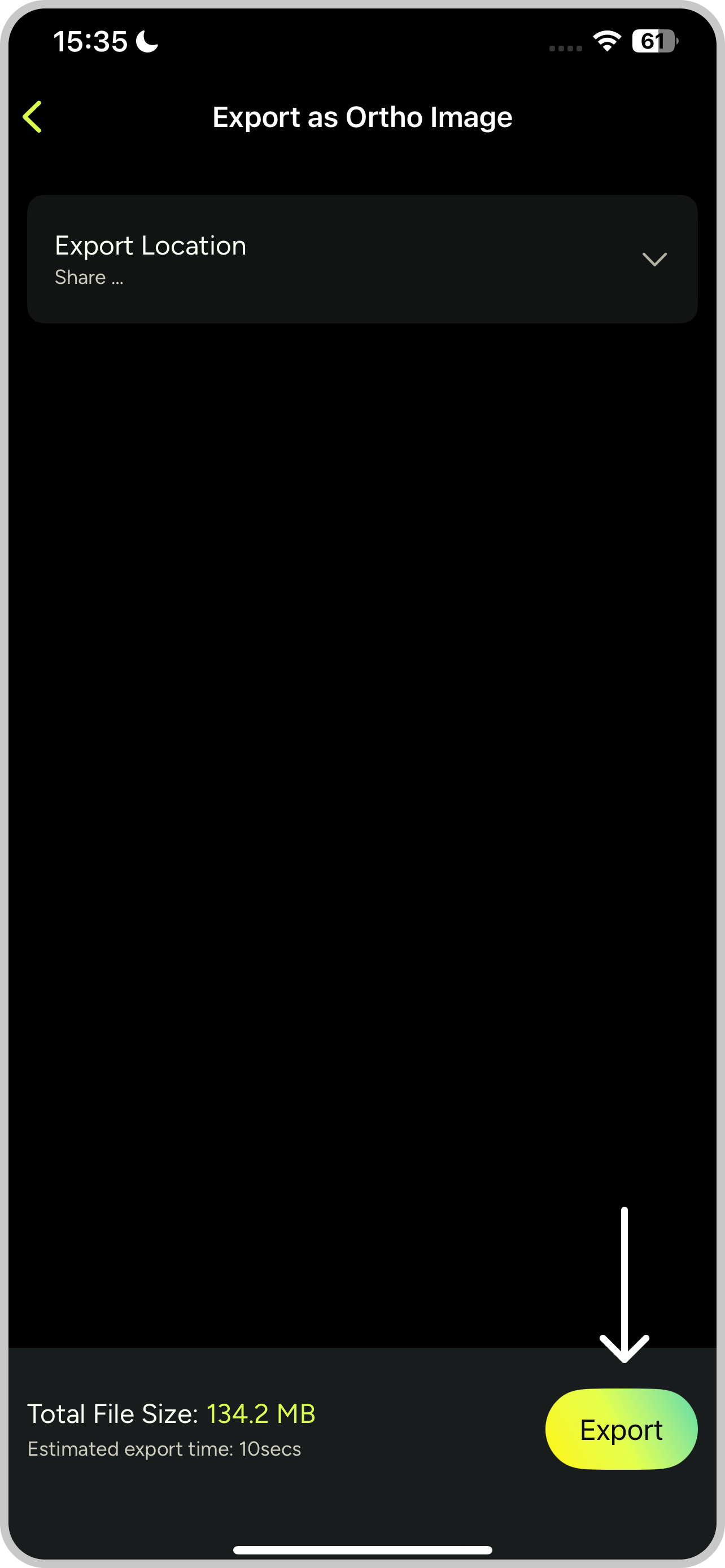
2 Tap “Ortho Images”, choose export location and hit “Export”
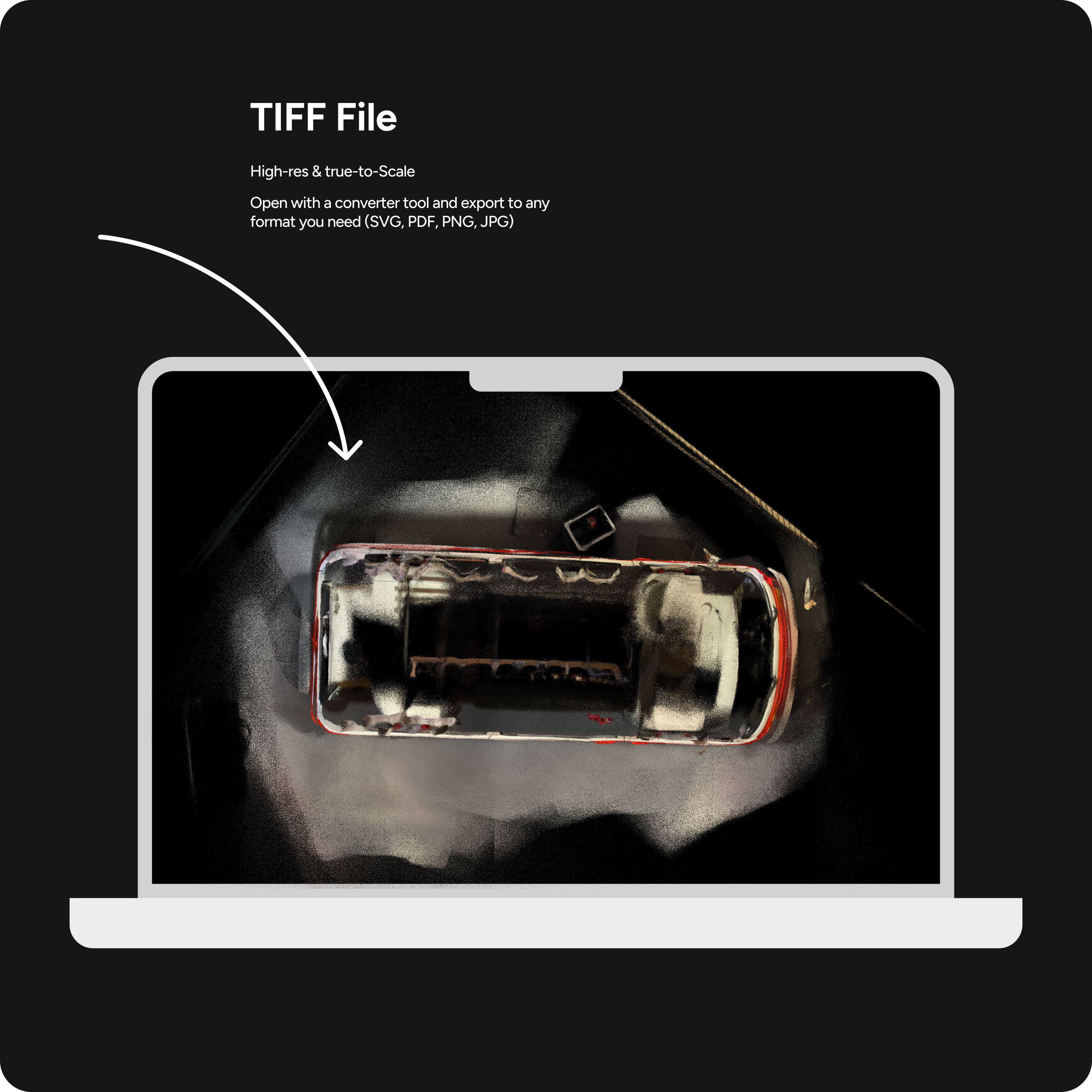
3 Your scan is exported as a TIFF file. Open the TIFF with a standard graphic design tool, such as Affinity, GIMP or use an online converter
4 Convert the TIFF to vector or pixel formats (SVG, PDF, PNG, JPG) and place it into your documentation or use it as a base for notes
Release notes:
- The ortho images feature has been available since version 1.4.
- Currently, we offer a single top-down view, but we are working on integrating multiple slices to enable orthos of multi-story buildings.
- The TIFFs are exported as high-resolution, true-to-scale files and are available on all plans.
Have something specific in mind? Drop us a message and tell us more.