Optimization technology
Loop Closure
Correcting drifts post-scanning
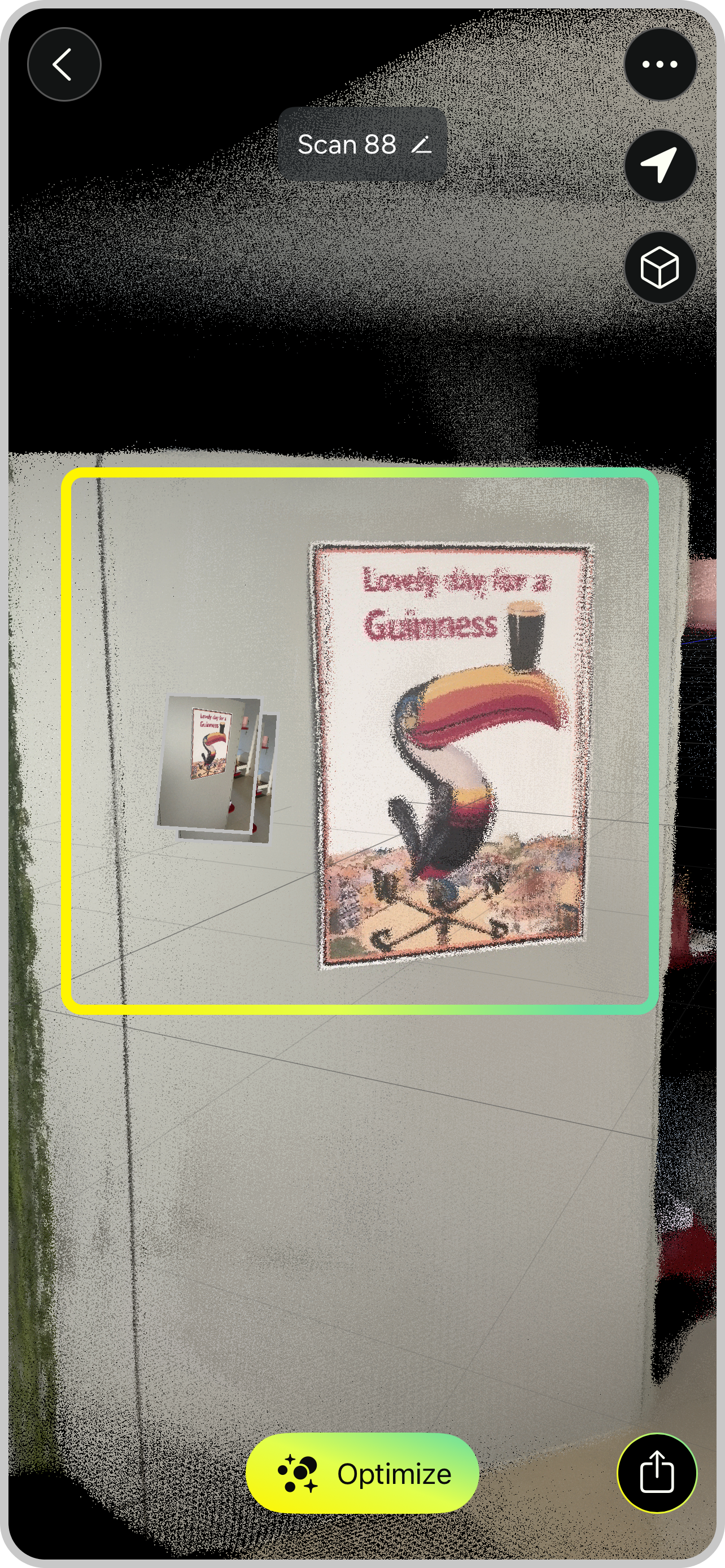
Our advanced point cloud processing technology optimizes point clouds after 3D scanning. Misalignments are corrected and noise is filtered out.
The algorithm automatically searches for matching objects in captured RAW data and images and aligns corresponding points.
New with v1.4:
We’re giving you more control over how MAVO 3D processes your 3D models.
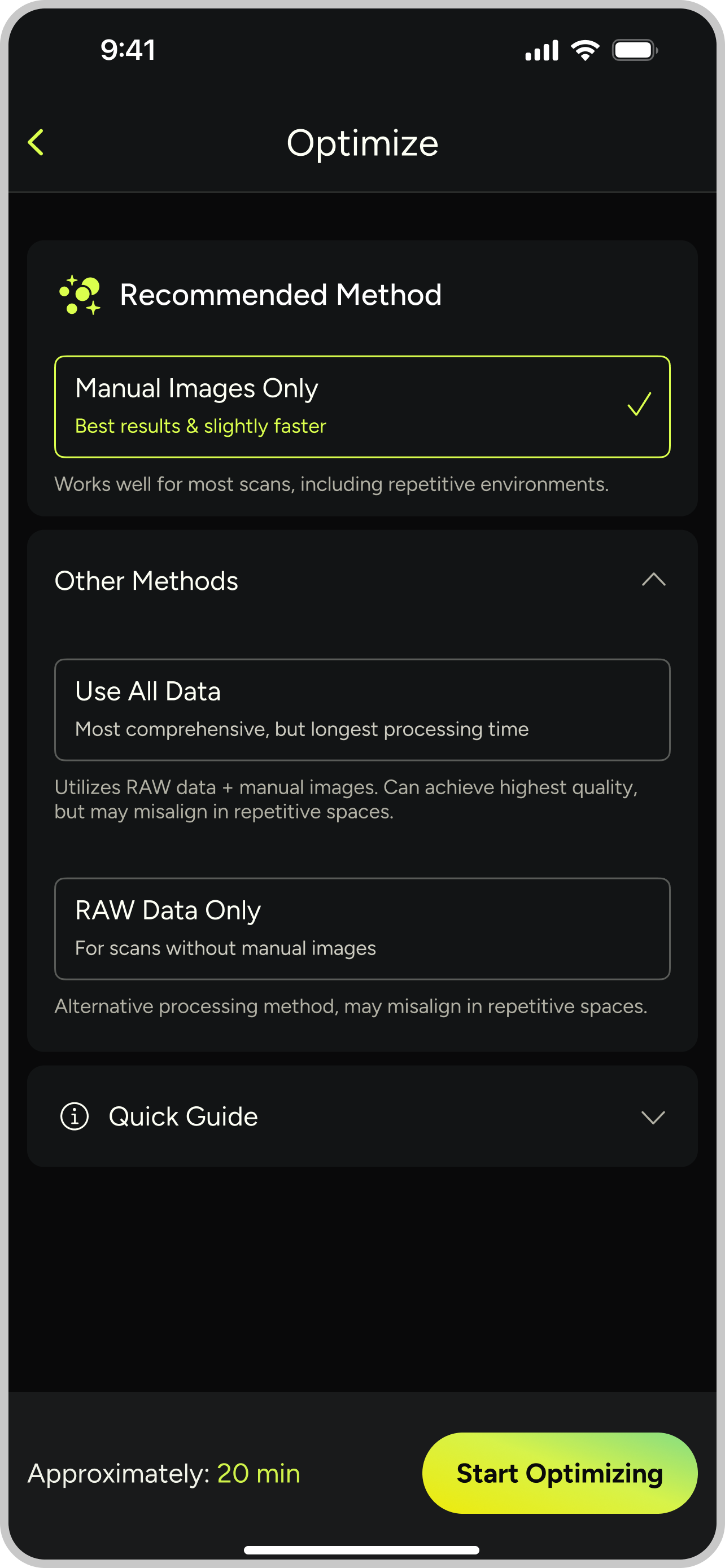
Previously, our system automatically used all available data for post-scan optimization. Now you can choose to process manually captured images only, RAW data, or go “all in”.
This flexibility leads to better results in challenging scenarios. In our testing, strategically captured photo checkpoints have proven reliable in repetitive spaces.
We are also continuing to enhance these methods to make them even more adaptable in the future. Stay in the loop by subscribing to our newsletter.
Simple workflow:
Activate RAW data capture at scan start and capture photo checkpoints with manual images strategically throughout your scan.
These references will help MAVO 3D to identify objects and match the correct points later on.
Have a look at this tutorial for more infos about our recommended Reference Method.
Ready to take off?
Start reality capturing with MAVO 3D for free.
Download MAVO 3D on the App Store.