Animate your point cloud project with
Flythroughs
Introduced with MAVO 3D version 1.5.0 and available to all users, on all plans.
How to do it
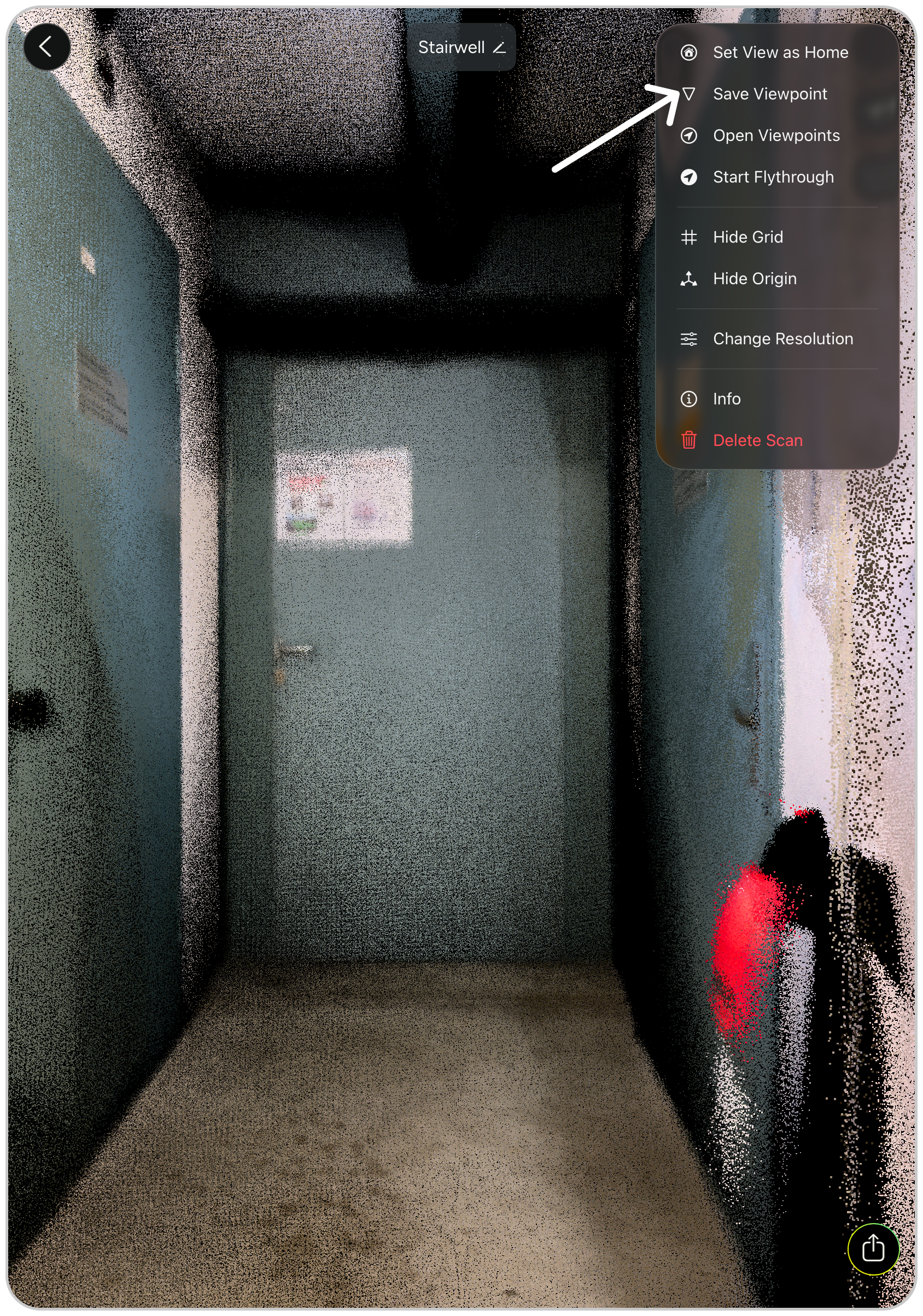
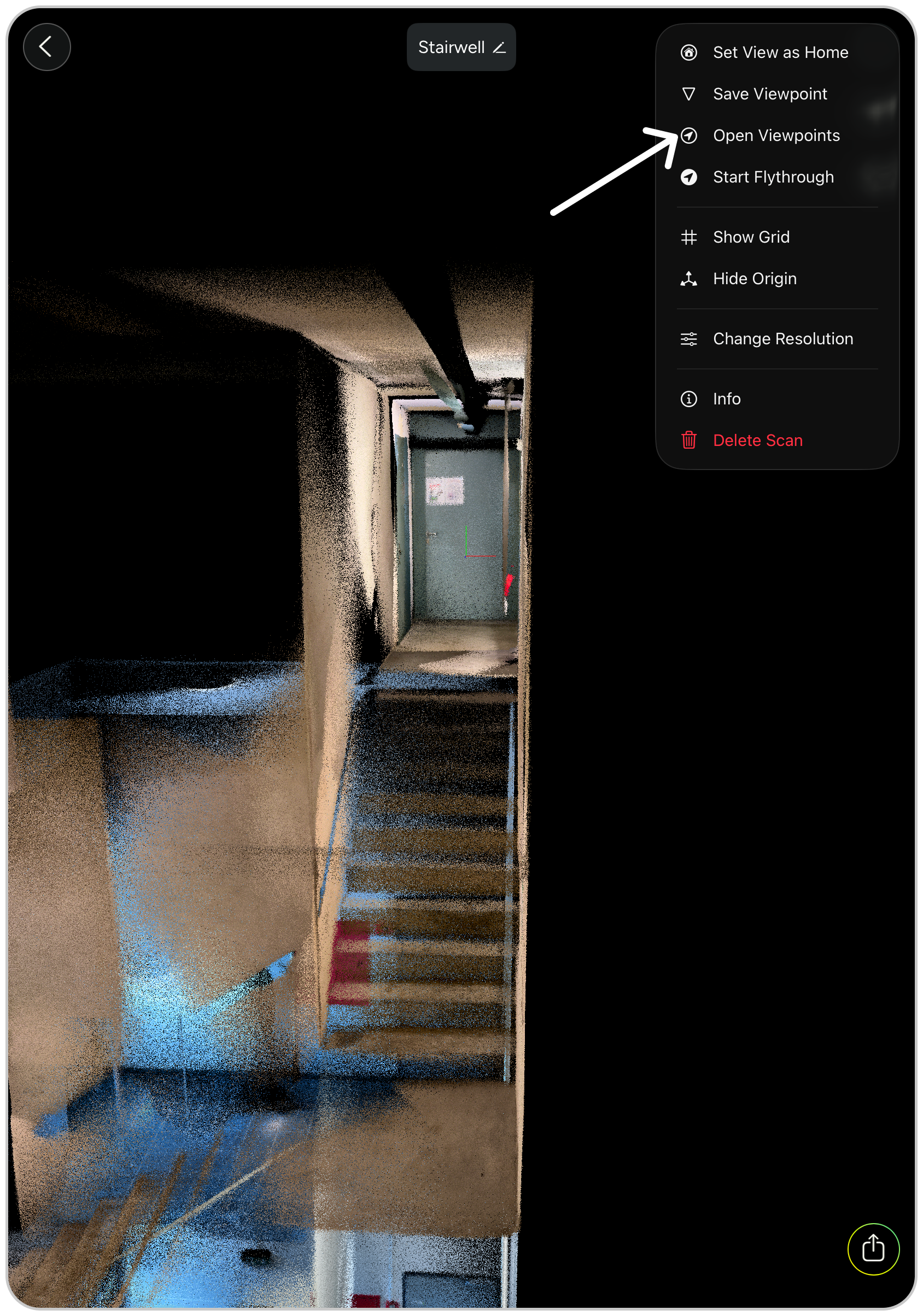
- Navigate in your point cloud to a viewpoint you want the flythrough to start and tap on “Save Viewpoint” in the menu
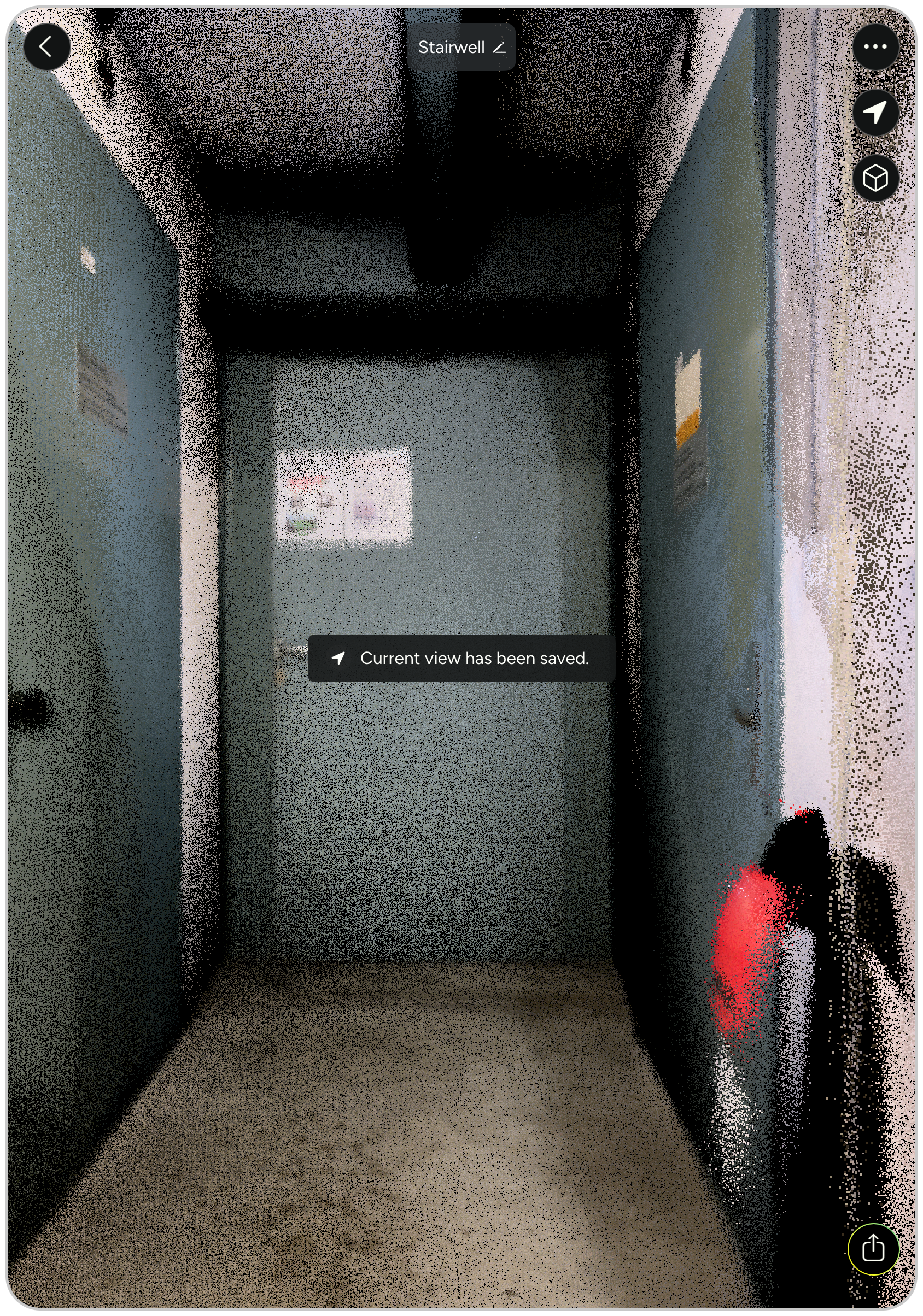
- The viewpoint has been saved, move to the next viewpoint, hit save and so on
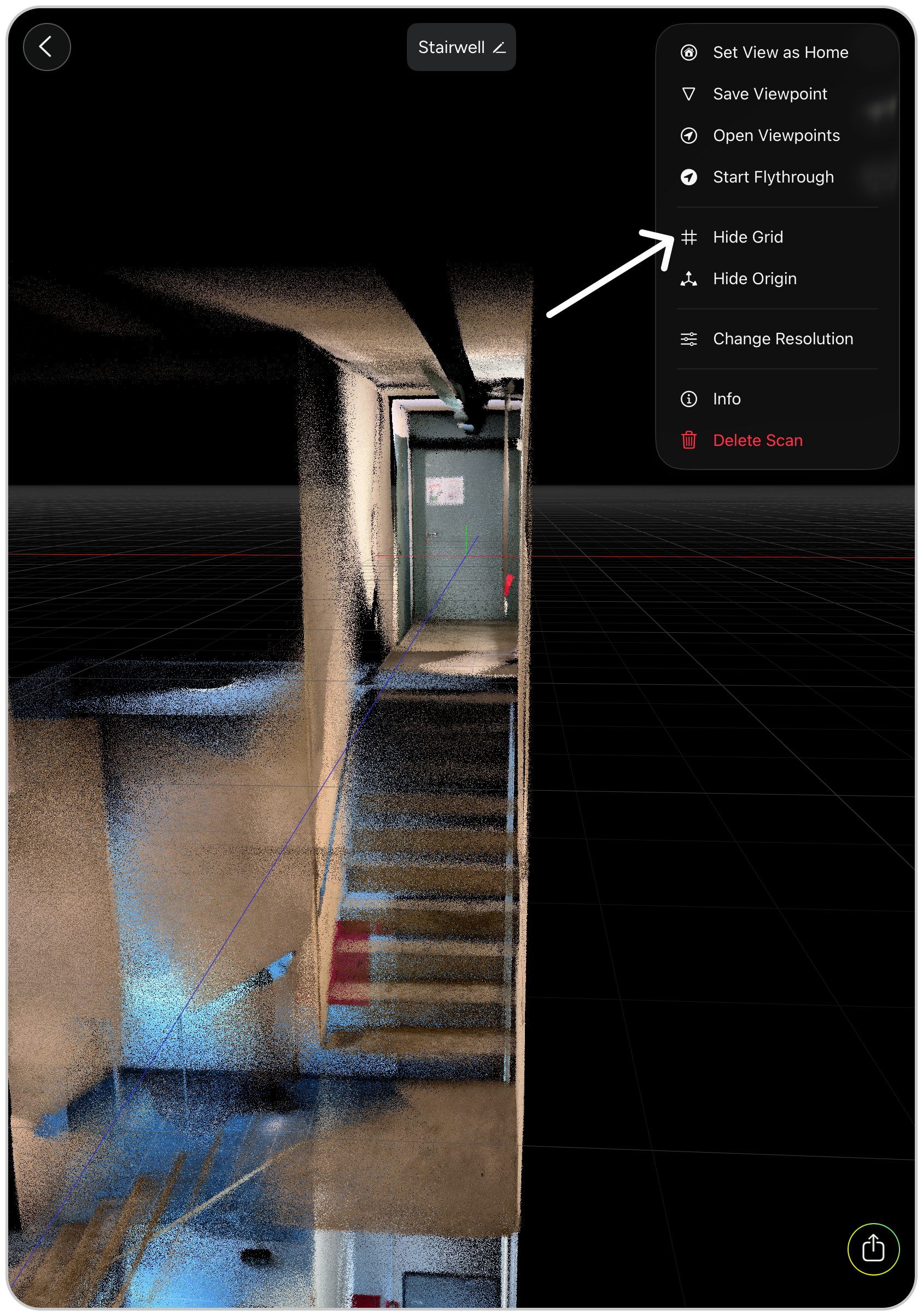
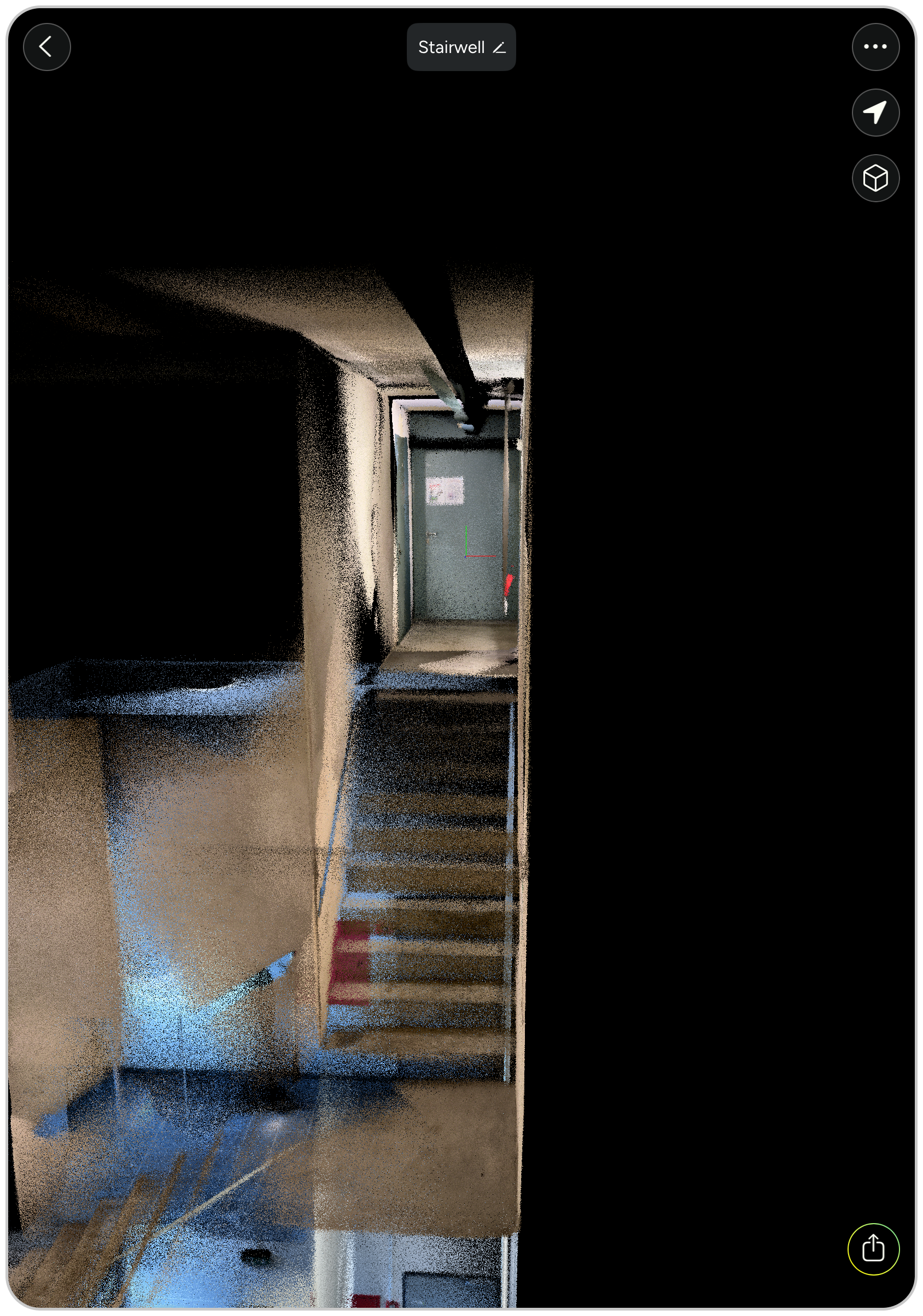
- Hide the background grid (optional, but looks nicer)
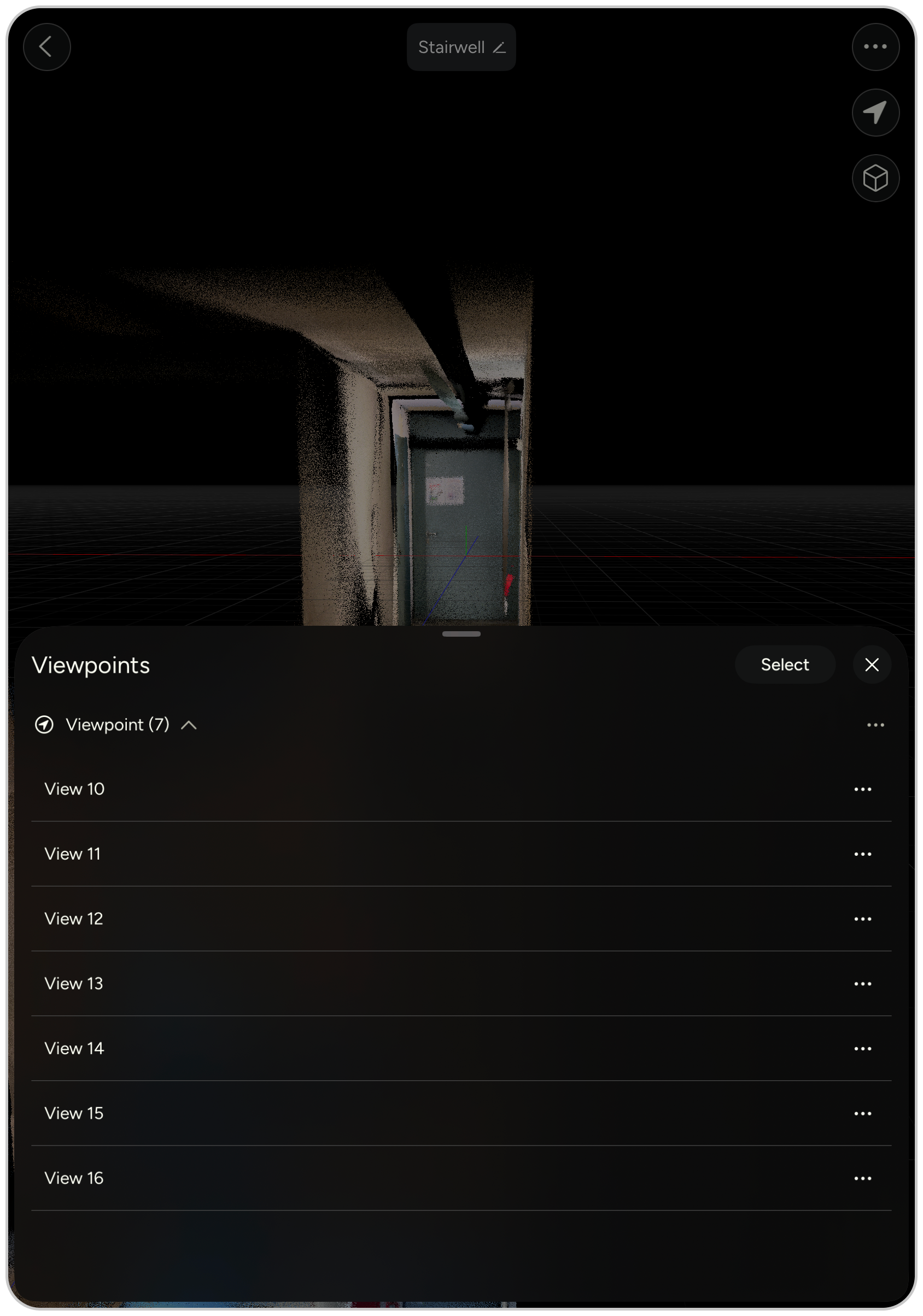
- Manage your viewpoints, delete or add new ones
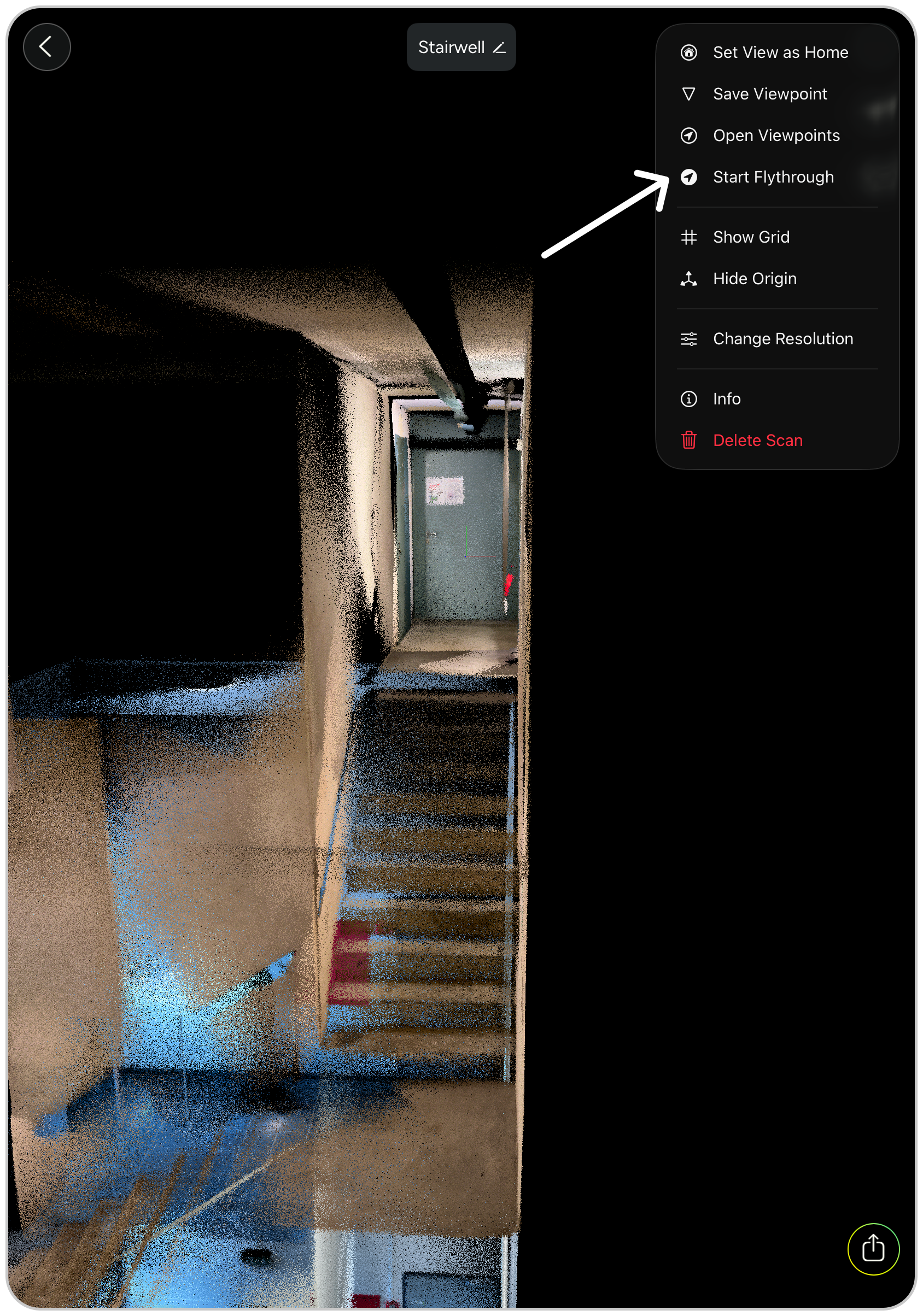
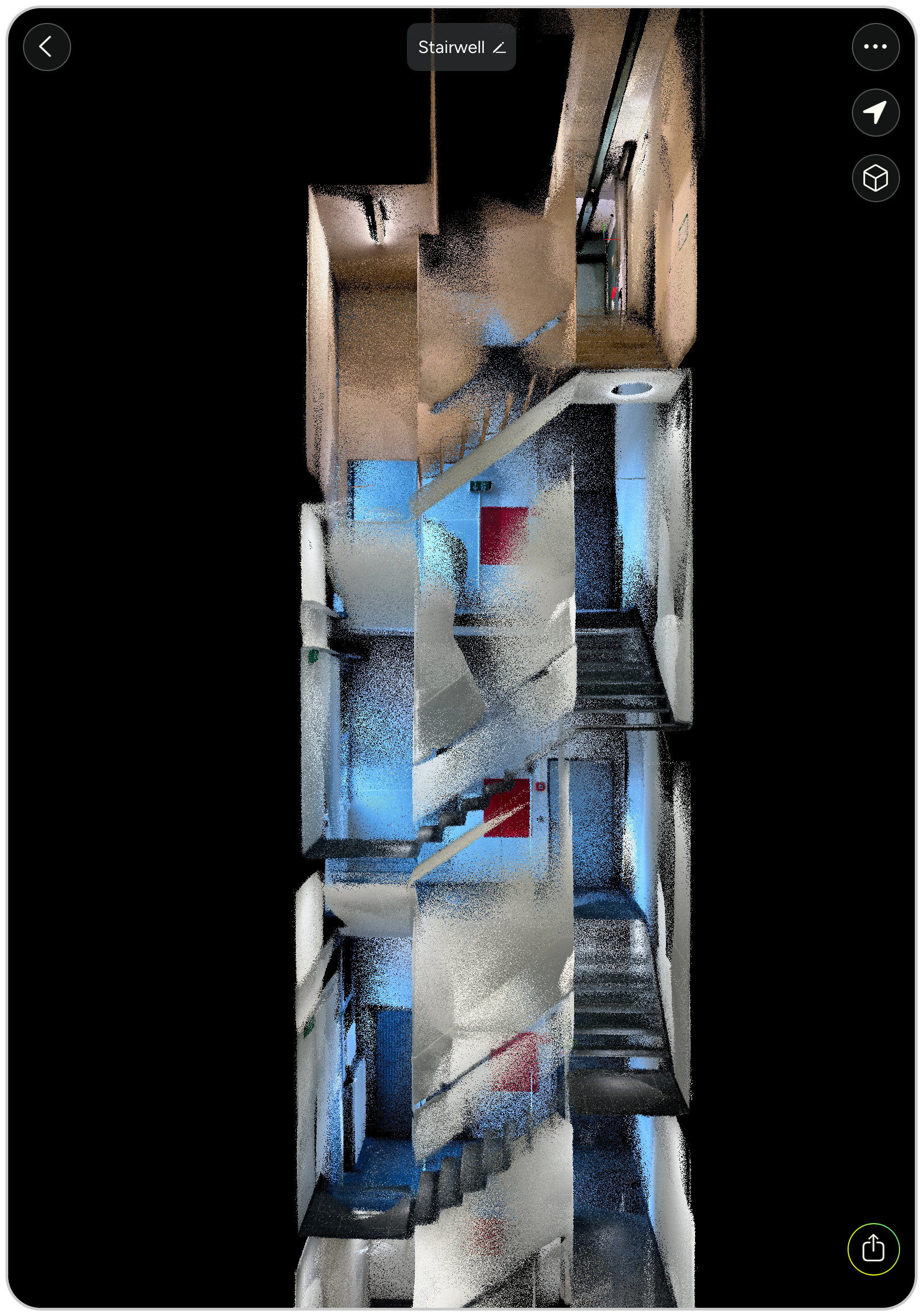
- When ready, hit the “Start Flythrough” button and let MAVO 3D animate a smooth path through your point cloud.
Screen capture and sharing
The animation loops through the viewpoints twice, to give you enough video material to work with.
If you want to share it with clients, start a new screen capture and record the animation. Save it on your iPhone Pro or iPad Pro and trim the video sequence either directly on the device or transfer it to your laptop and edit with your preferred video editing tool.
Ready to take off?
Start reality capturing with MAVO 3D for free.
Download MAVO 3D on the App Store.