Scan to Cloud Platforms
Feb 19, 2026
Get your scans off your device and into a shared, browser-based workspace.
MAVO 3D stores everything locally, your data stays yours. For long-term archiving and full control, we recommend keeping a MAVO Backup (MAVOB) file. It preserves all raw captured data, so you can always go back and reprocess or upsample your scans later.
Sometimes though, you just need to share a project quickly or collaborate with a client. Cloud platforms are the most convenient way to get your scans into a shareable, browser-based environment fast.
Just keep in mind that your data is then subject to the privacy policies and subscription plans of the respective provider. If that matters for your project, stick with local files or set up your own on-premise solution ( we can help you set it up).
Connect MAVO 3D to your cloud platform
ATIS.cloud
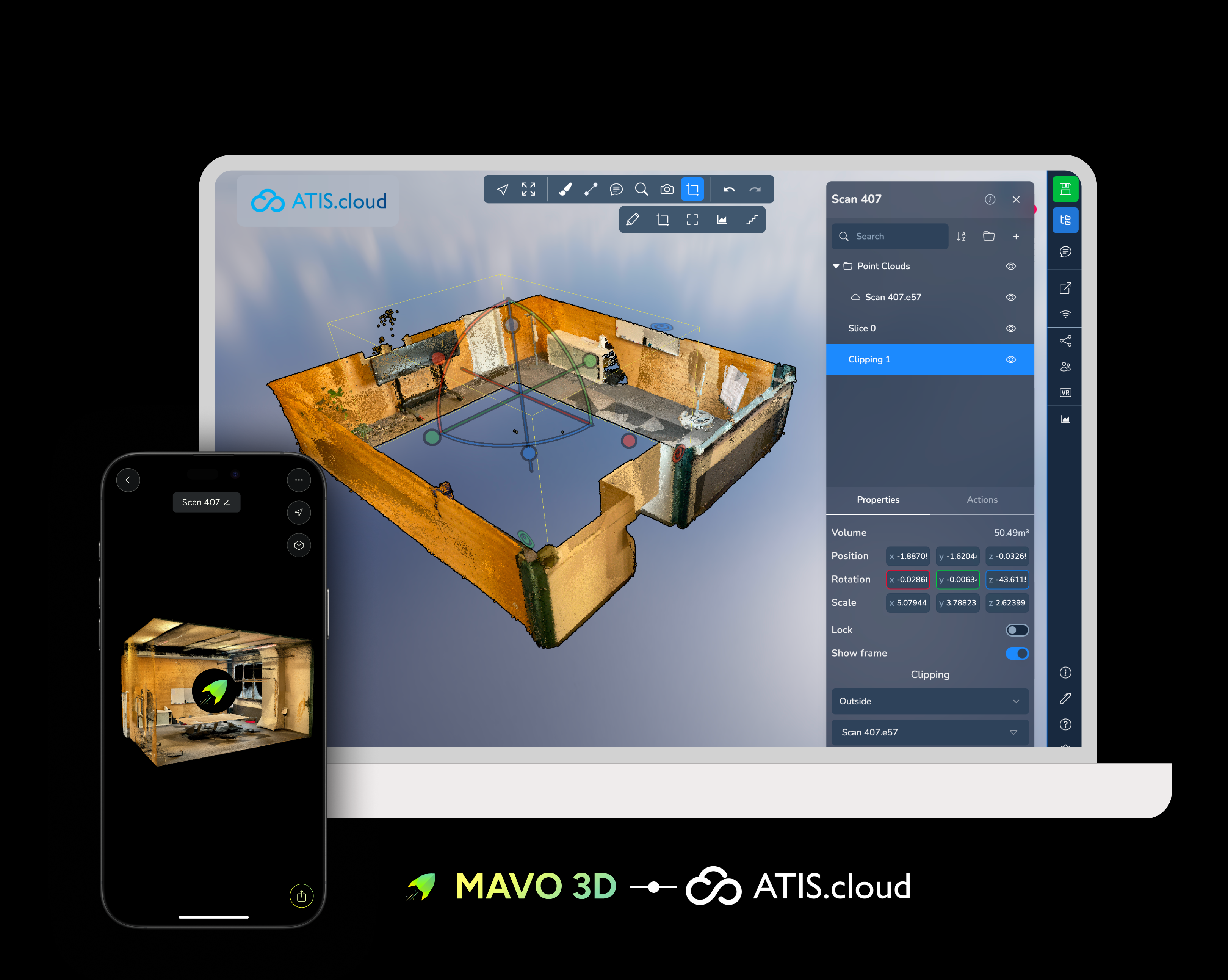
From scan to collaborative 3D workspace
Upload your MAVO 3D scans directly to ATIS.cloud and step into a fully browser-based 3D environment.
Clip away clutter, stage furniture from Sketchfab, take wall measurements, and invite colleagues into a live collaborative session, all from a single project view.
A great fit for refurbishment proposals, spatial planning, and client presentations.
→ Learn how to upload and work with scans in ATIS.cloud
Ready to take off?
Start reality capturing with MAVO 3D for free. Download MAVO 3D on the App Store.