Scan settings
Feb 01, 2026
Which scan settings should I choose?
The best settings depend on your intended use and whether you have a professional subscription.
Recommendation
Optimize storage and performance
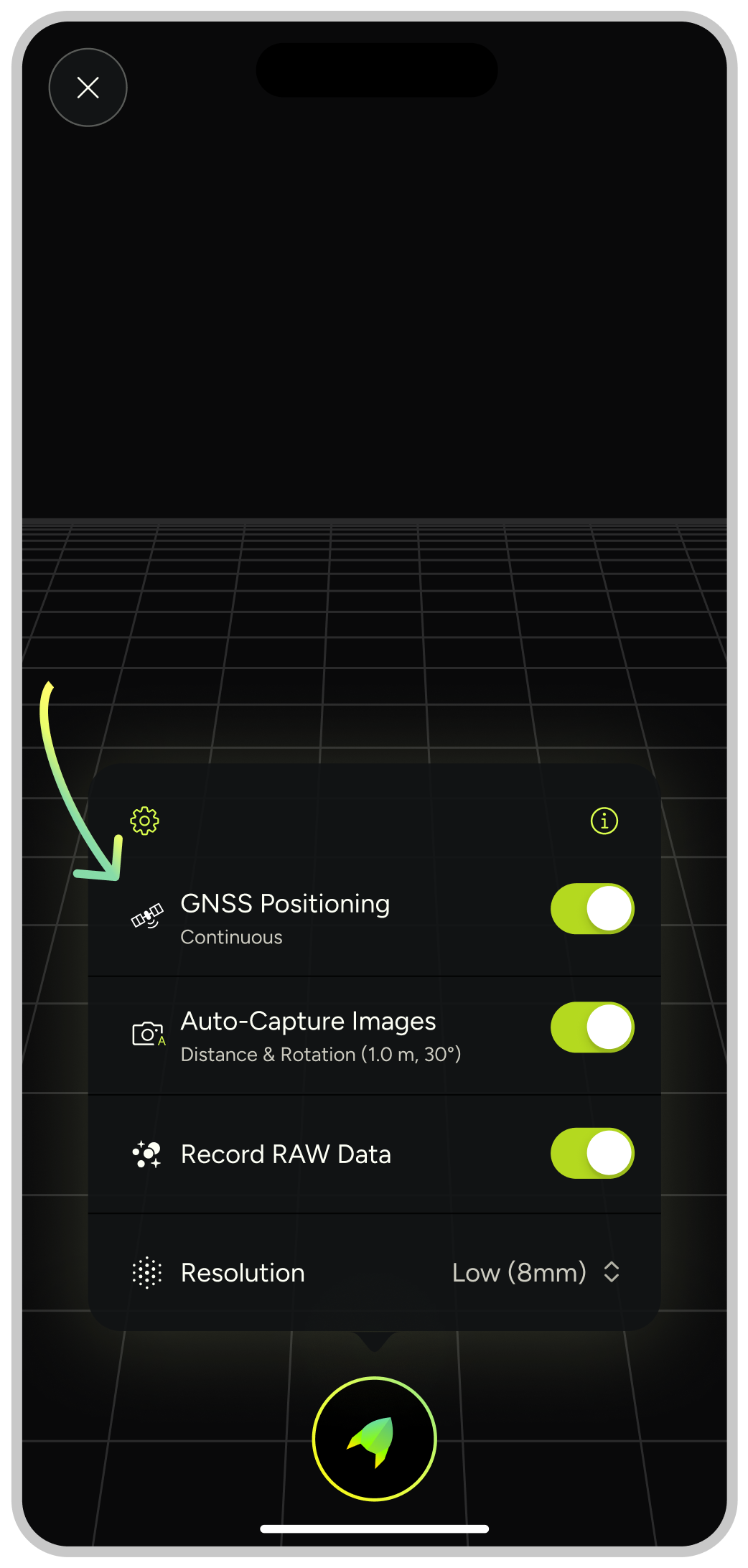
Set point cloud resolution to “Low” and enable “RAW Data Recording”.
After scanning, you can upsample your scan to higher resolution and optimize your point clouds with MAVO 3Ds intelligent loop closure technology.
Please note: Upsampling and downsampling your point cloud requires a Professional license.
Recording GNSS position
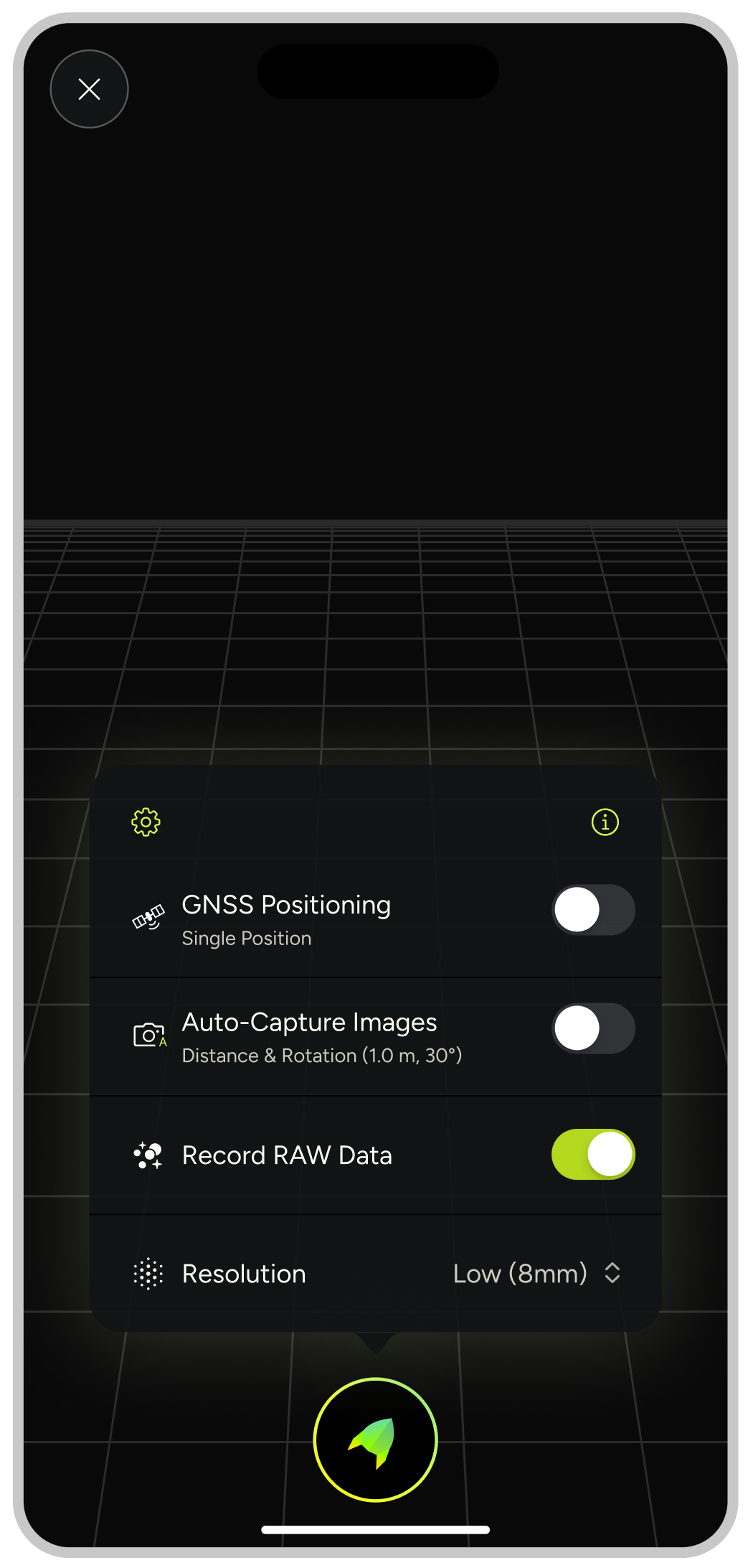
Enable this feature to maintain location tracking across all scans. MAVO 3D automatically places georeferenced scans on the map for easier project management.
MAVO 3D has two options, either locking a single position at start of your scan or tracking the GNSS position continuously while scanning. You can change the type in the settings.
Environment based settings
Scanning indoors
Select “Single Position”
Use this setting when scanning interior spaces where GNSS signals are weak or unavailable.
Scanning outdoors
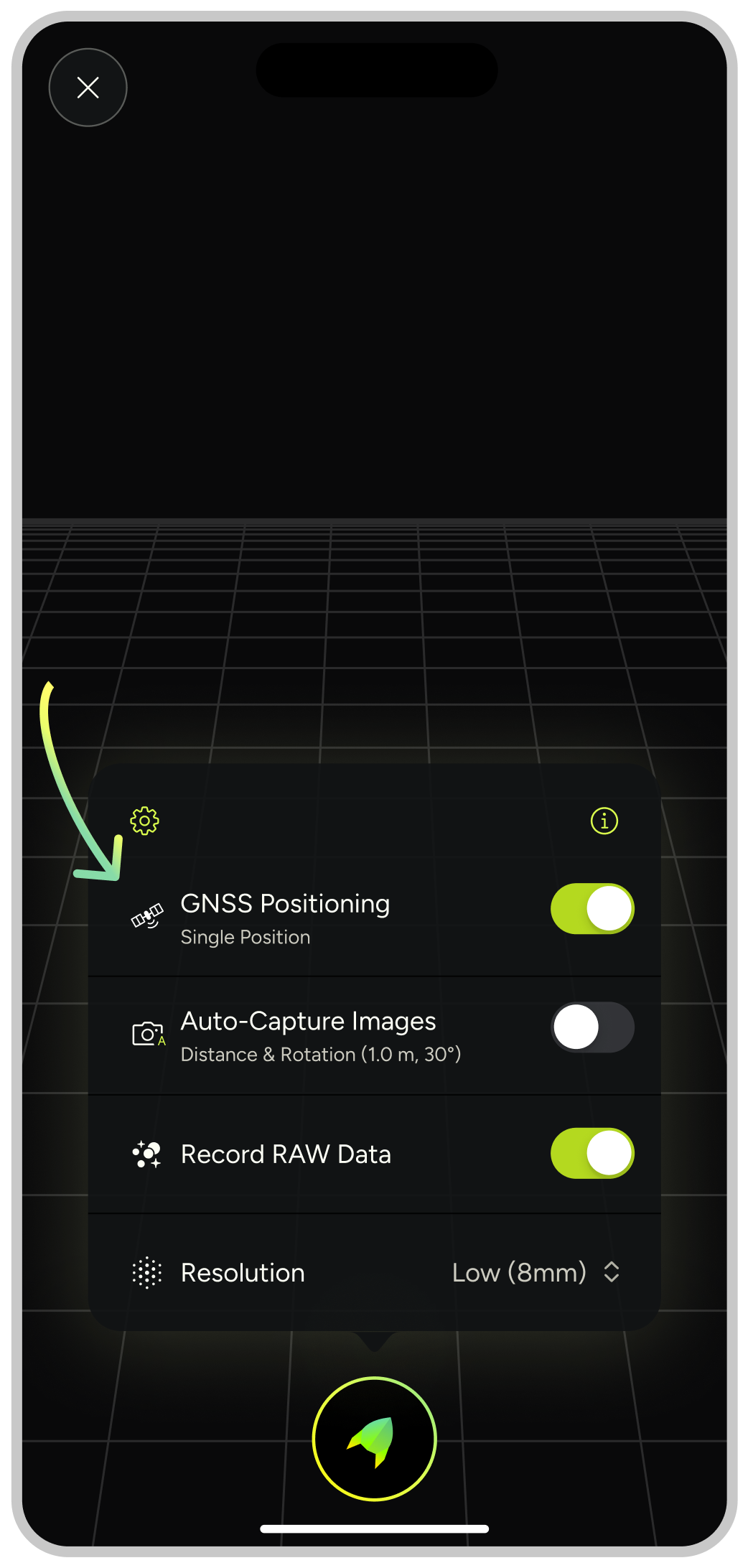
Select “Continuous Position”
This setting leverages location tracking for better accuracy in outdoor environments where signals are available.