We use cookies and analytics tools to enhance your browsing experience and help us understand how our site is used. By clicking “Accept,” you agree to the use of both cookies and analytics tracking. You can withdraw your consent at any time by clearing your cookies for this site.
MadVoxel
  • Our Product
  • Pricing
  • Learn
  • Case Study
  • Scan to BIM
  • About

Tips and best practices

3D scanning with MAVO 3D

blog-post

Feb 01, 2026

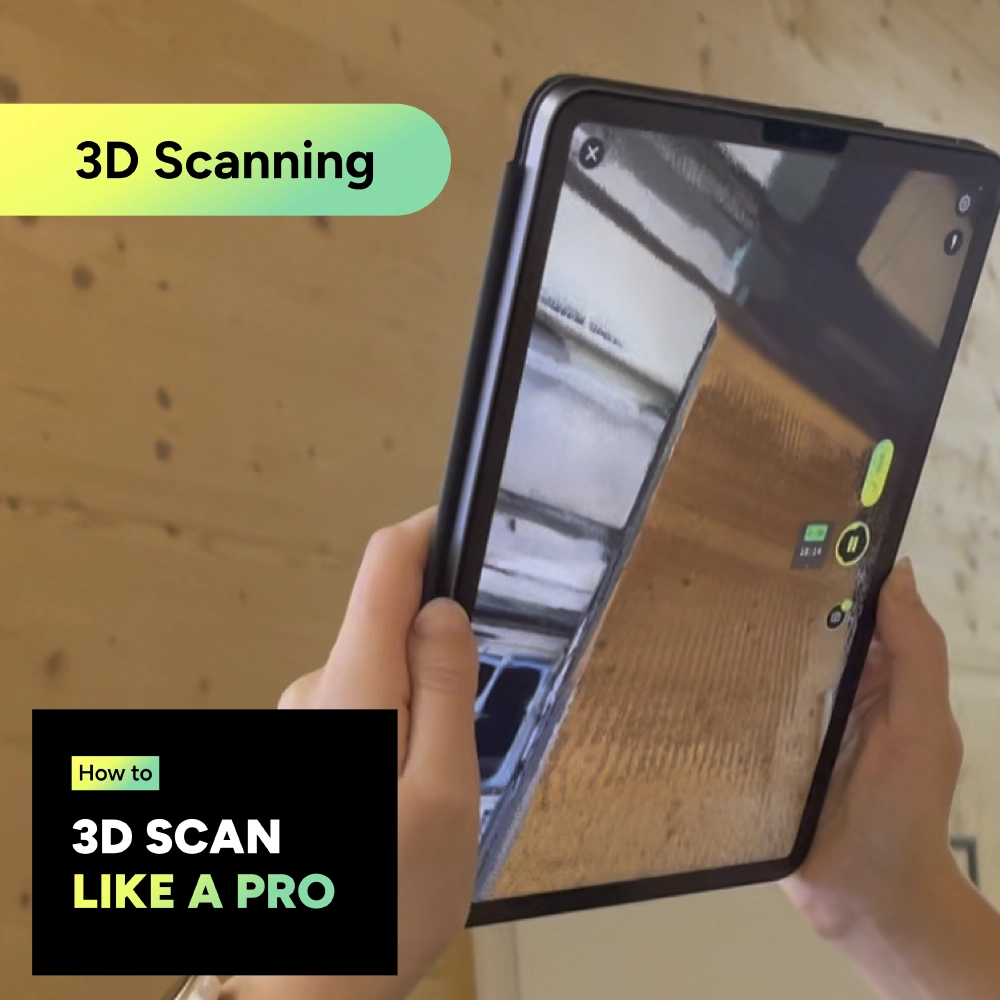
3D scanning best practices

Scanning technique Movement guidelines Keep it …

blog-post

Feb 01, 2026

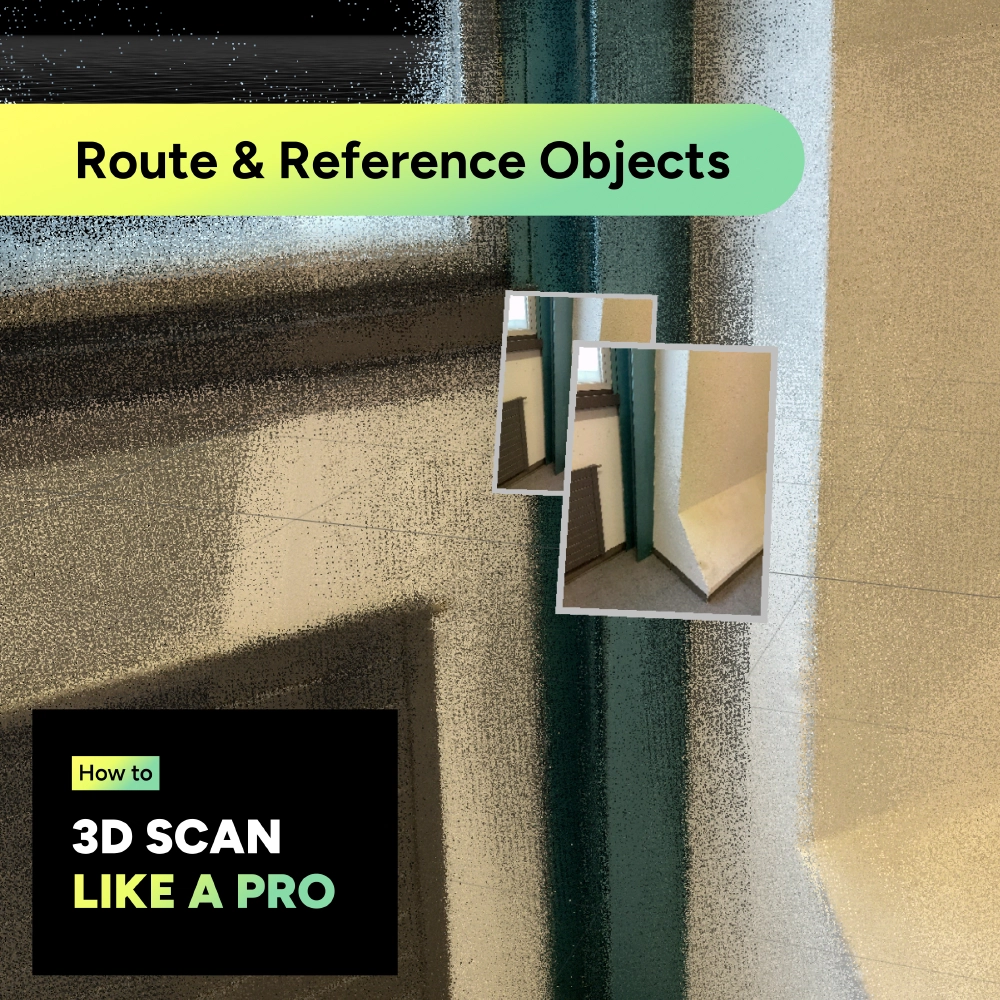
Planning your 3D scanning route

Reference objects & photo checkpoints MAVO 3D has …

blog-post

Feb 01, 2026

Preparations before scanning

Before you start Are you familiar with mobile 3D …

blog-post

Feb 01, 2026

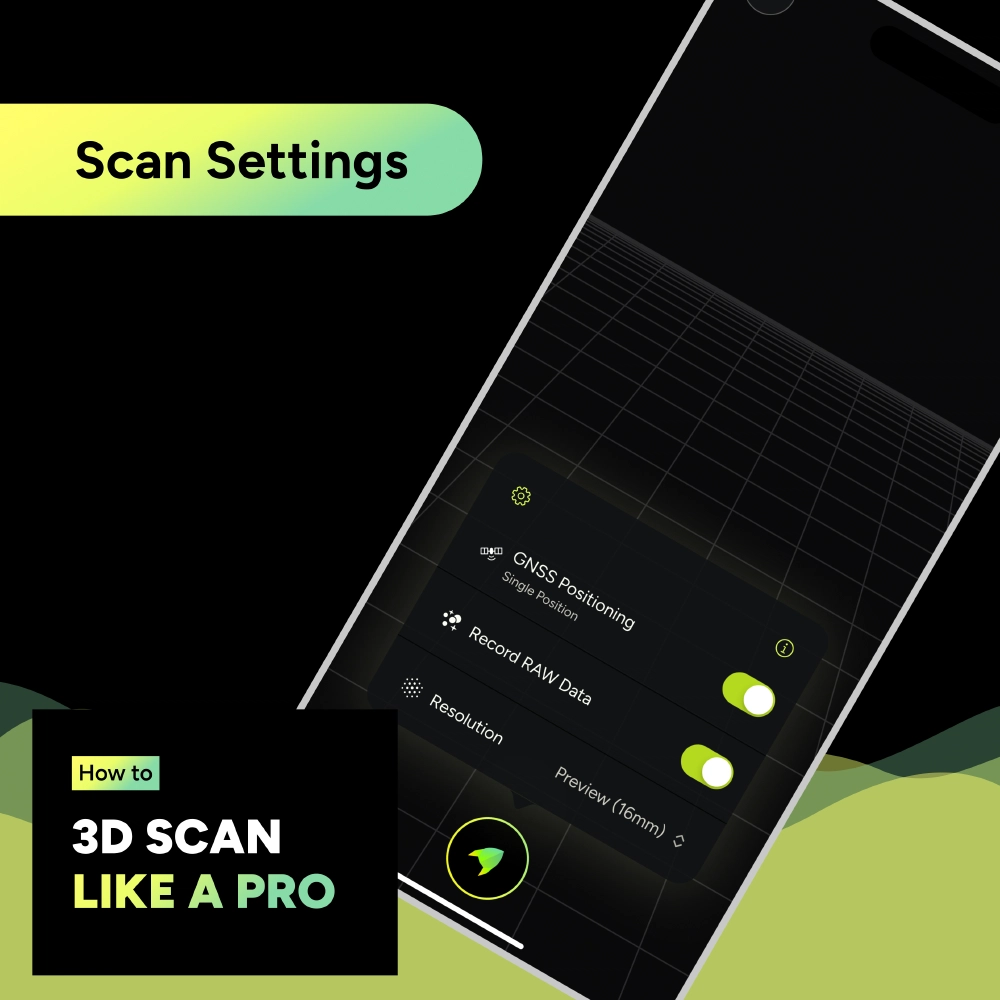
Scan settings

Which scan settings should I choose? The best …

blog-post

Oct 03, 2025

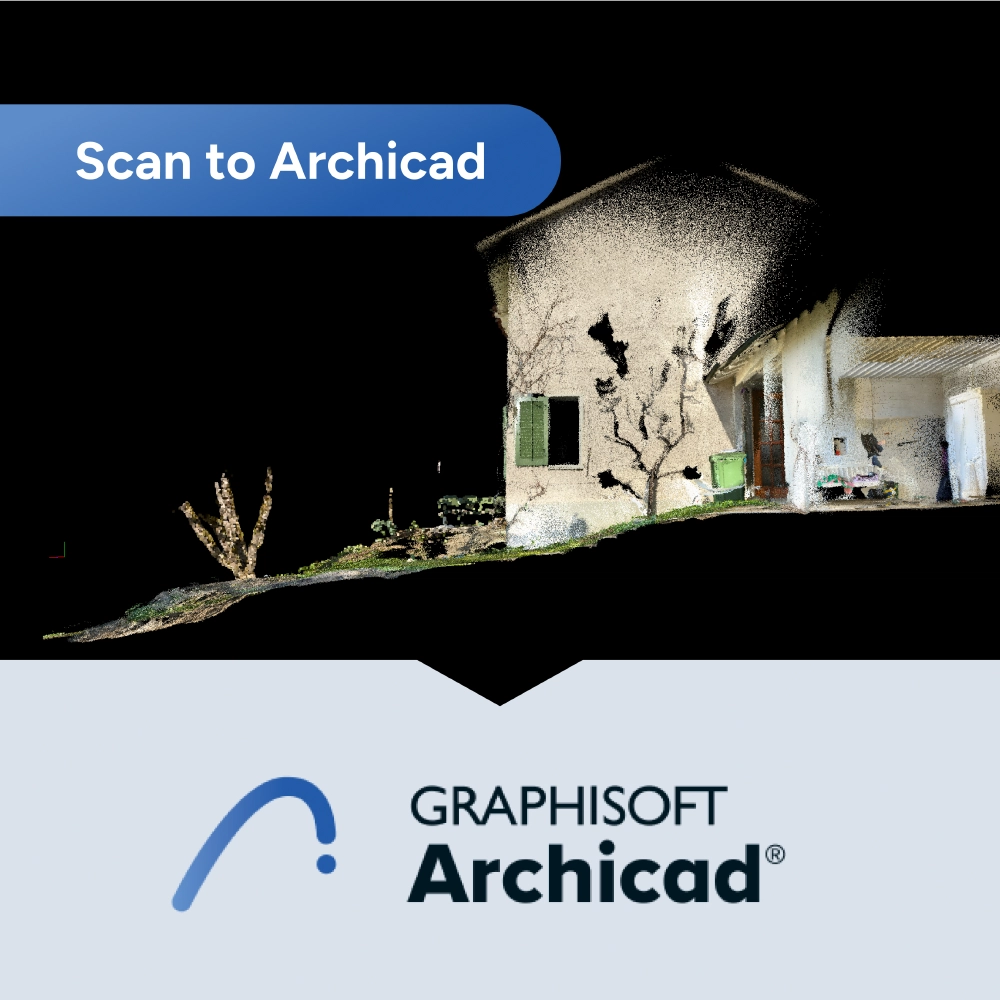
Scan to Archicad

Your browser does not support the video tag. 1. …

blog-post

Sep 19, 2025

Transfer 3D Scans from MAVO 3D to Windows

Methods If you want to transfer your 3D scan …

blog-post

Sep 18, 2025

Transfer 3D Scans from MAVO 3D to Mac

Two quick methods Moving your 3D scan projects …

MadVoxel

Professional 3D scanning, made accessible.

Follow us on:

Company
  • About & Team
  • Contact us
  • Partnership
MAVO 3D - Premium 3D Scanning
Download MAVO 3D on the App Store
  • Capabilites
  • Pricing
  • Tips & Best Practices
  • Case Study
  • Release Notes
Newsletter

© 2024-2026 MadVoxel AG

  • Imprint
  • Privacy Policy
  • Terms & Conditions