
Feb 10, 2026
MAVO 3D Version Update v1.5
This one’s been cooking for a while, and we …

We are constantly working to provide more tutorials and best practices to help you get the most accurate 3D point clouds with MAVO 3D. Take a look at the new Knowledge Hub section in the app, or visit our website.
One tip we’d like to highlight is:
MAVO 3D performs best, when you provide strategically positioned photo checkpoints.
Look out for distinctive, high contrast features in the room and use them as reference objects (I - IV in the animation below).
Each time you pass one, take a photo from the same position. You can easily relocate your checkpoints later. You see the images floating around in your 3D point cloud.
Important: Capture at least 2 photos per checkpoint, with some scanning in between. If photos are taken back-to-back, MAVO 3D has no points to match them against.
For context: MAVO 3D has a neat “Loop Closure” technology that aligns and filters point clouds correctly after scanning. Deep dive here
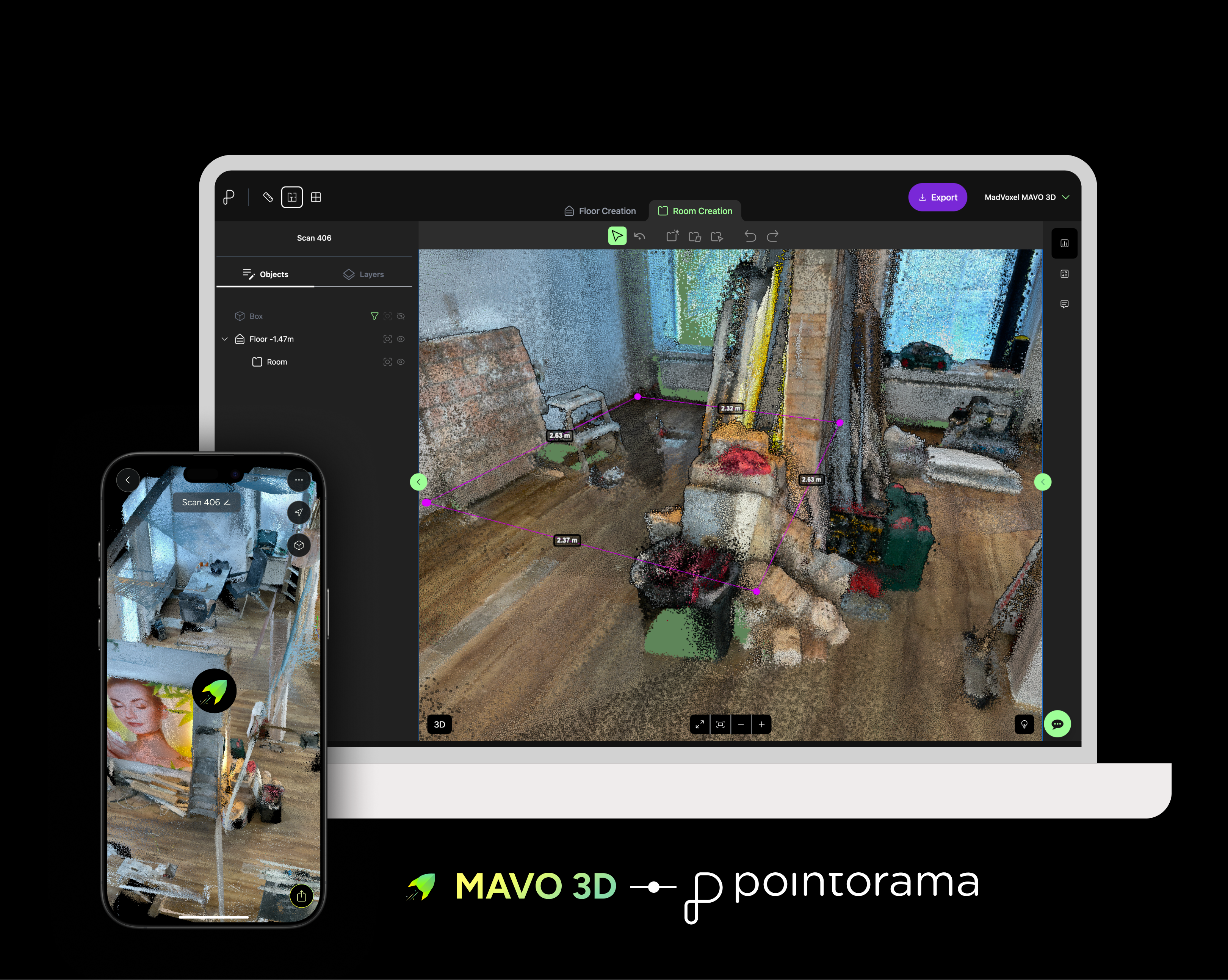
We are also happy to announce our latest API integration, enabling you to export scans directly from MAVO 3D to Pointorama.
Pointorama’s new browser-based floor plan tool lets you import your 3D point cloud and provides smart tools to help you create accurate layouts. More information coming soon!
March also brought an Apple bug in the latest beta version of iOS 26.4. It affects all apps on the market that use the depth confidence estimations provided by ARKit.
We have released a workaround which fixes the scanning issue, but quality and noise are affected negatively. We reported the issue to Apple.
We recommend disabling iOS Beta auto-updates and reverting to stable iOS 26.3 until they fix it, as everything runs smoothly on this iOS version. Thank you for reporting this issue, MAVO pioneers! 💚
Wanna stay updated about our progresss? Subscribe to our newsletter.